
Product Managers Preserve Context. Voice Helps.
Product work depends on preserving the why behind decisions. Voice helps PMs move that context into specs, tickets, and updates.


Voice Cursor Team
April 12, 2026 2 min read

Product management is mostly turning ambiguity into language.
A customer says something vague. An engineer asks for clarity. A designer needs the goal. Leadership wants the tradeoff. Support reports a bug. Sales brings a pattern. The roadmap needs a decision.
The PM's job is to make all of that legible without flattening the nuance.
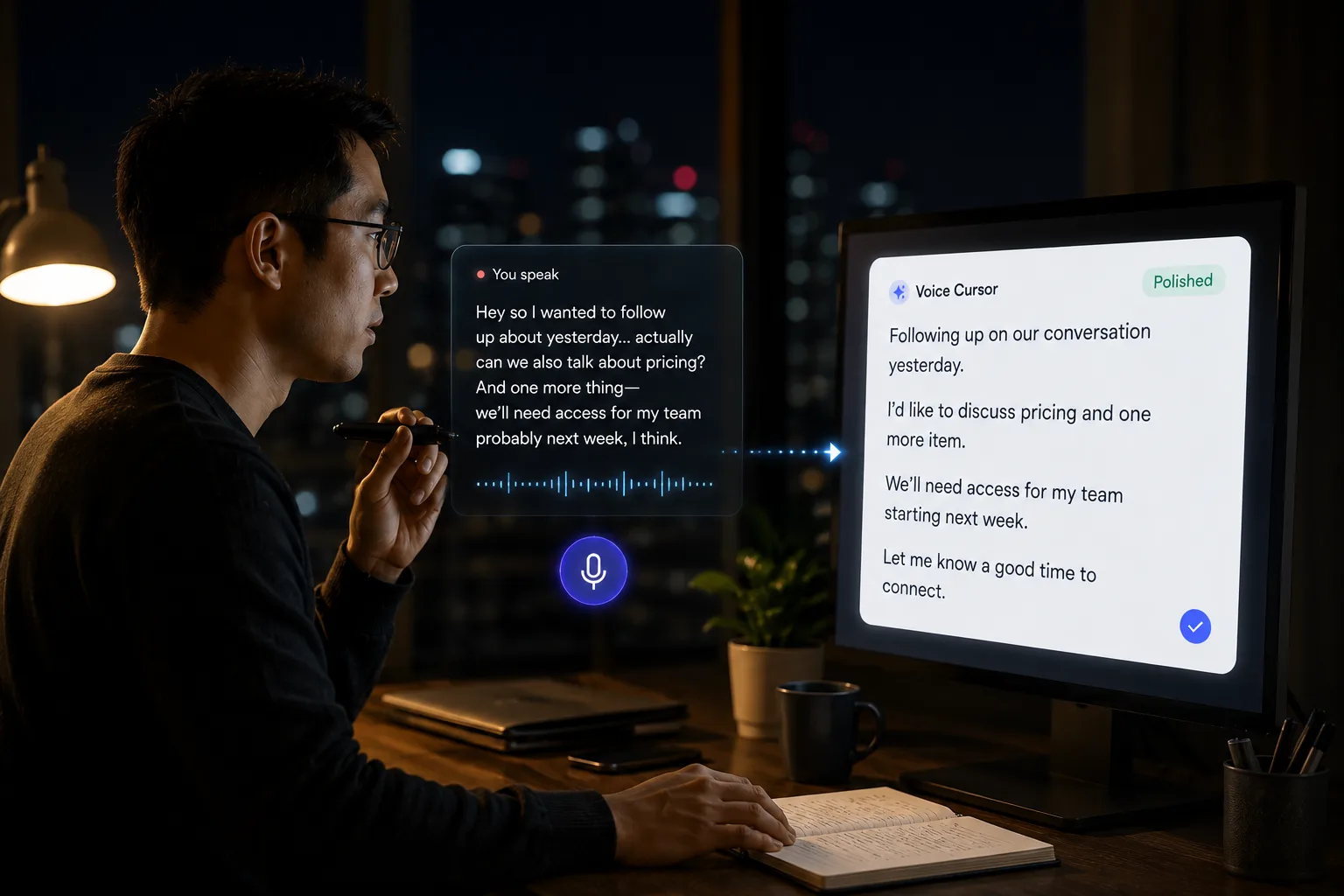
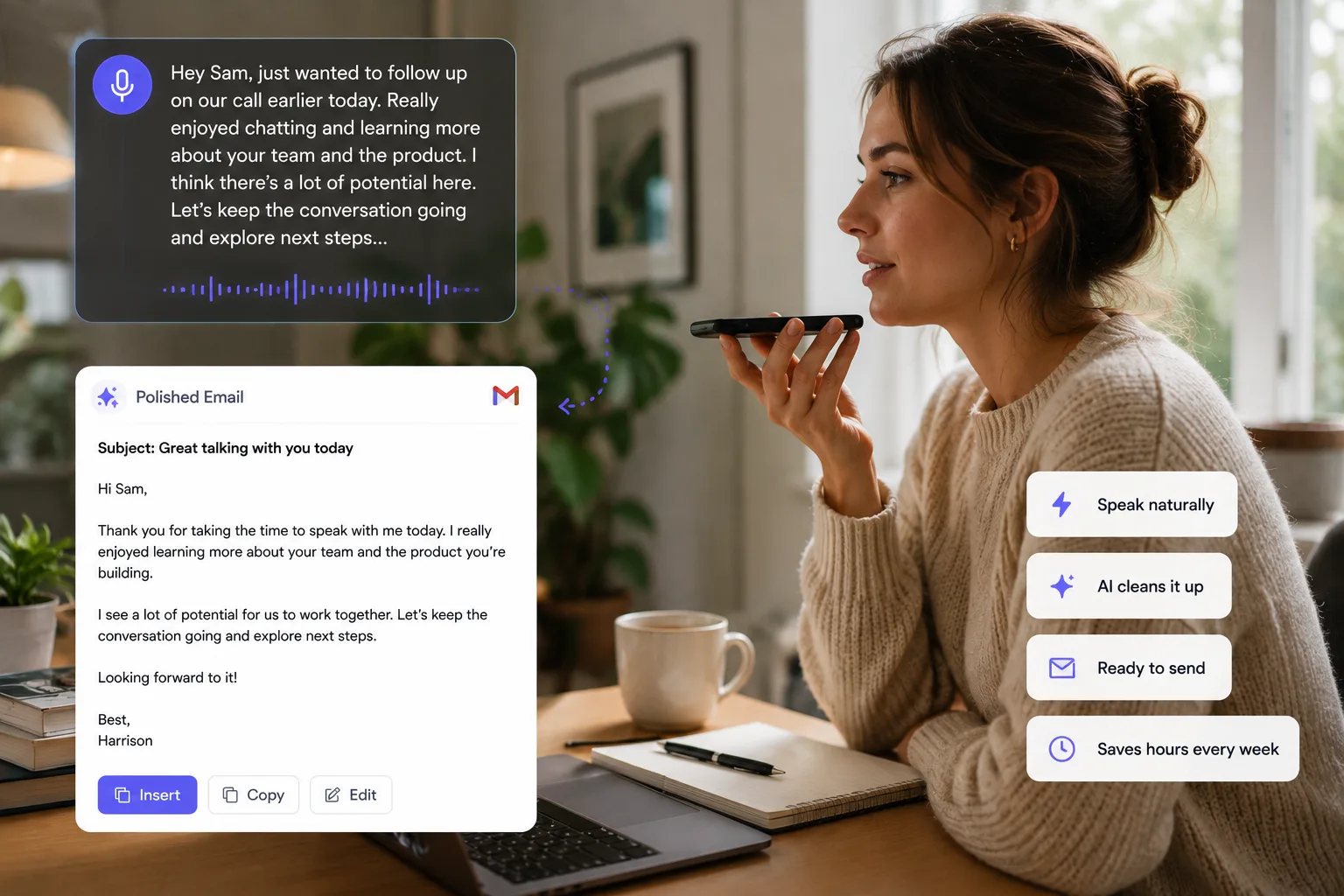
Voice Cursor helps product managers draft the language around product work.
You can use it to dictate specs, tickets, user stories, customer notes, roadmap updates, bug reports, launch announcements, and AI prompts. This is valuable because product work often begins as spoken context before it becomes a formal document.
The useful product note is rarely just what to build. It is why this change matters now.
From discussion to shared context
"The issue is not that users do not want to connect their workspace. The issue is that we ask them to connect before they understand why. The new onboarding should show the value first, then ask for access after the user sees the example workflow."
That spoken thought can become a product note, ticket, or spec section because it contains the problem framing, not just the requested UI change.
Voice dictation helps PMs capture the reasoning behind a decision.
This is important because product teams suffer when context disappears. A ticket that says "improve onboarding" is not enough. A useful ticket explains what is broken, who it affects, what outcome matters, and what constraints exist.
Voice Cursor can help you create that richer first draft.
After the meeting
- Finish a customer call or internal discussion.
- Dictate the key insight immediately.
- Turn it into a ticket, memo, or update.
- Edit for structure.
- Share with the team.
Use Voice Cursor for customer insight summaries, PRD drafts, bug reproduction steps, user stories, product strategy notes, launch messaging, stakeholder updates, and weekly summaries.
It is especially useful for bug reports.
Bug reports need context
Weak bug report: "Login bug on mobile."
Useful bug report: "When users log in on mobile Safari and return from the email magic link, the app opens but does not show the authenticated state until refresh. Expected behavior is that the user should land directly in the workspace."
That is much more actionable because it gives engineering a path to reproduce, understand, and verify the fix.
Product managers often carry too much context in their heads. Voice dictation helps move that context into shared text before it gets lost.
It also helps with AI tools. PMs increasingly use AI to draft specs, summarize research, generate edge cases, and explore messaging. Better prompts produce better outputs. Voice Cursor makes it easier to give those prompts enough context.
The best PMs are not the ones who write the most documents.
They are the ones who create the clearest shared understanding.
Voice Cursor helps with that.
FAQ
Can product managers use Voice Cursor for specs?
Yes. PMs can dictate rough specs, user stories, tickets, product notes, and launch updates.
Why is voice dictation useful for product work?
Because product work often requires explaining context, tradeoffs, and desired behavior in detail.
Does Voice Cursor replace product documentation tools?
No. It helps create text that can be used in documentation tools, ticketing systems, and AI workflows.
Try Voice Cursor
Turn spoken thoughts into polished writing.
Download Voice Cursor and use AI voice dictation across the apps where your work already happens.
Download the app