
Creators Need a Faster Way to Catch Raw Ideas
Hooks and angles rarely arrive on schedule. Voice helps creators catch raw ideas, scripts, captions, and outlines before they disappear.


Voice Cursor Team
March 27, 2026 2 min read
Creators do not usually lack ideas.
They lose ideas.
A hook appears while walking. A caption forms in your head while making coffee. A video angle shows up after a conversation. A newsletter intro appears at midnight, inconvenient and glowing.
Then it disappears.
Voice Cursor helps creators capture those ideas as text.
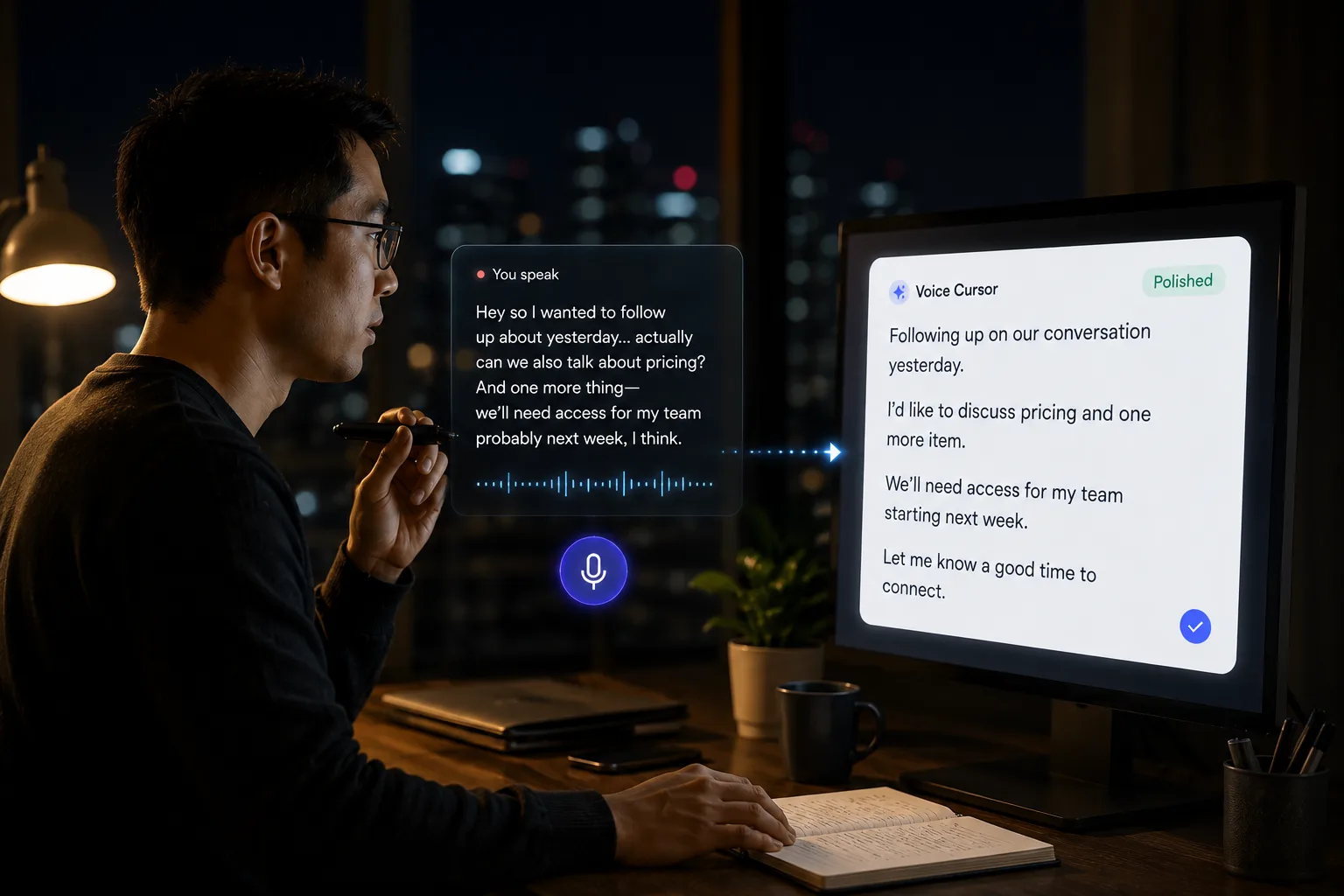
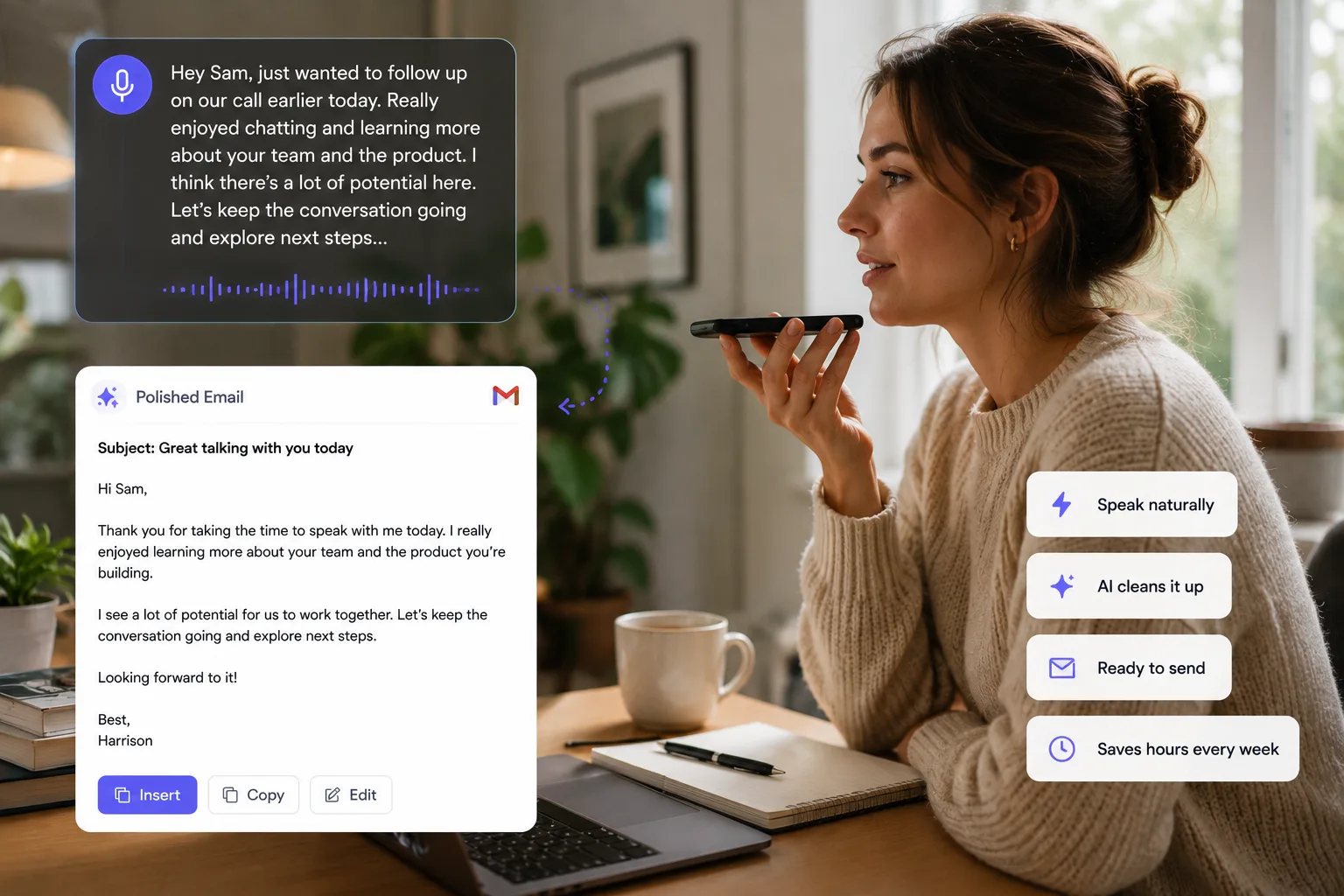
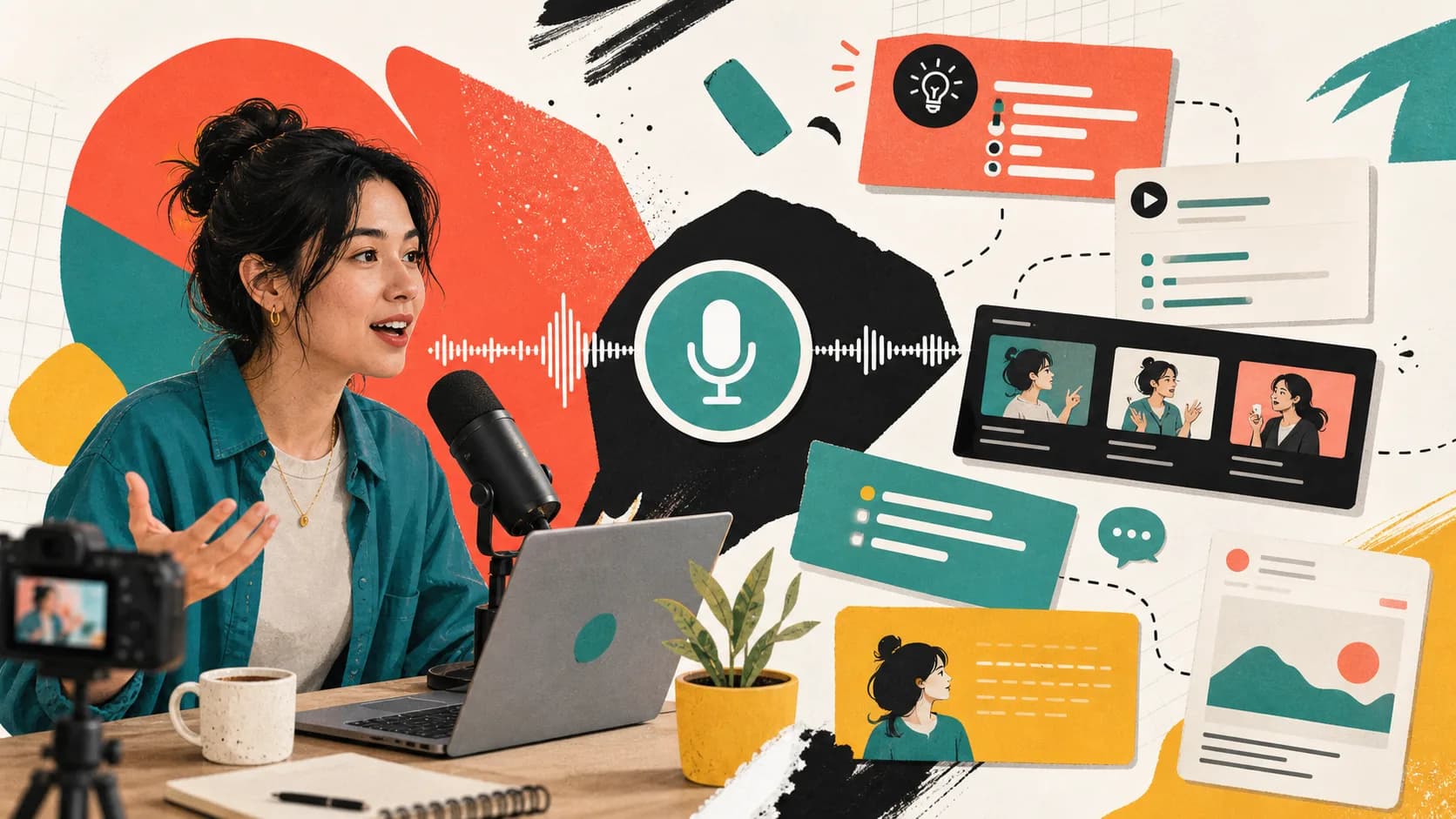
With voice dictation, you can speak video hooks, captions, scripts, outlines, post ideas, newsletter drafts, podcast notes, and content angles. Voice Cursor helps turn that rough speech into polished writing you can edit and publish.
This matters because content creation depends on volume.
Not every idea will be good. Not every hook will work. Not every script will survive. But the creator who captures more raw material has more chances to find the sharp version.
Voice Cursor helps lower the cost of starting.
The hook lab
- Raw idea: typing is the bottleneck for people using AI tools.
- Spoken hook: your AI is fast, but your input method is still from the typewriter era.
- Caption angle: the model is not the slow part anymore.
- Script note: show the gap between a vague prompt and a rich spoken one.
Voice is especially strong for short-form video because many videos begin as spoken language anyway. If the final content will be spoken, starting with voice makes sense. You can test whether the hook sounds natural before turning it into text.
Use Voice Cursor for TikTok scripts, Instagram captions, YouTube outlines, X posts, LinkedIn drafts, newsletter intros, podcast talking points, UGC scripts, and content calendars.
Creator workflow
- Speak the messy idea immediately.
- Turn it into text.
- Create three versions of the hook.
- Edit for platform and tone.
- Record or publish.
Voice dictation also helps with founder-led or expert-led content. Many people have strong opinions in conversation but freeze when asked to write a post. Voice Cursor lets them begin from the mode where they already sound alive.
For example:
"The reason most productivity tools feel boring is that they optimize the wrong layer. They help you organize work after it exists. But the real bottleneck is getting the thought into the machine."
That is much better than another generic "5 productivity tips" post.
Creators need language with energy.
Typed drafts often become too careful too early. Spoken drafts can preserve rhythm, emphasis, and personality. You still need to edit, but the raw material has more pulse.
Voice Cursor is not a content strategy. It will not tell you what your taste should be.
It helps you capture more attempts.
And in content, attempts are oxygen.
FAQ
Can creators use Voice Cursor for video scripts?
Yes. Creators can dictate hooks, scripts, outlines, captions, and post ideas.
Why is voice dictation useful for short-form content?
Short-form content often starts as spoken language, so dictating the first draft can feel more natural.
Does Voice Cursor create finished content?
Voice Cursor helps create drafts. You should still edit for platform, audience, and style.
Try Voice Cursor
Turn spoken thoughts into polished writing.
Download Voice Cursor and use AI voice dictation across the apps where your work already happens.
Download the app