
Consultants Sell Thinking. The Writing Should Not Slow It Down.
Client insight often appears in conversation first. Voice helps consultants capture the raw recommendation before it turns into bland prose.


Voice Cursor Team
April 4, 2026 2 min read

Consultants sell thinking, but they deliver a lot of writing.
Client updates. Meeting summaries. Recommendations. Project notes. Proposals. Follow-ups. Executive summaries. Internal handoffs. Every conversation eventually needs to become a clear written artifact.
Voice Cursor helps consultants create those drafts faster.
This is useful because consulting work often produces insight in conversation. During a client meeting, you hear the real problem. You notice the pattern. You understand the political constraint. You see the gap between what the client asked for and what they actually need.
That insight should be captured quickly.
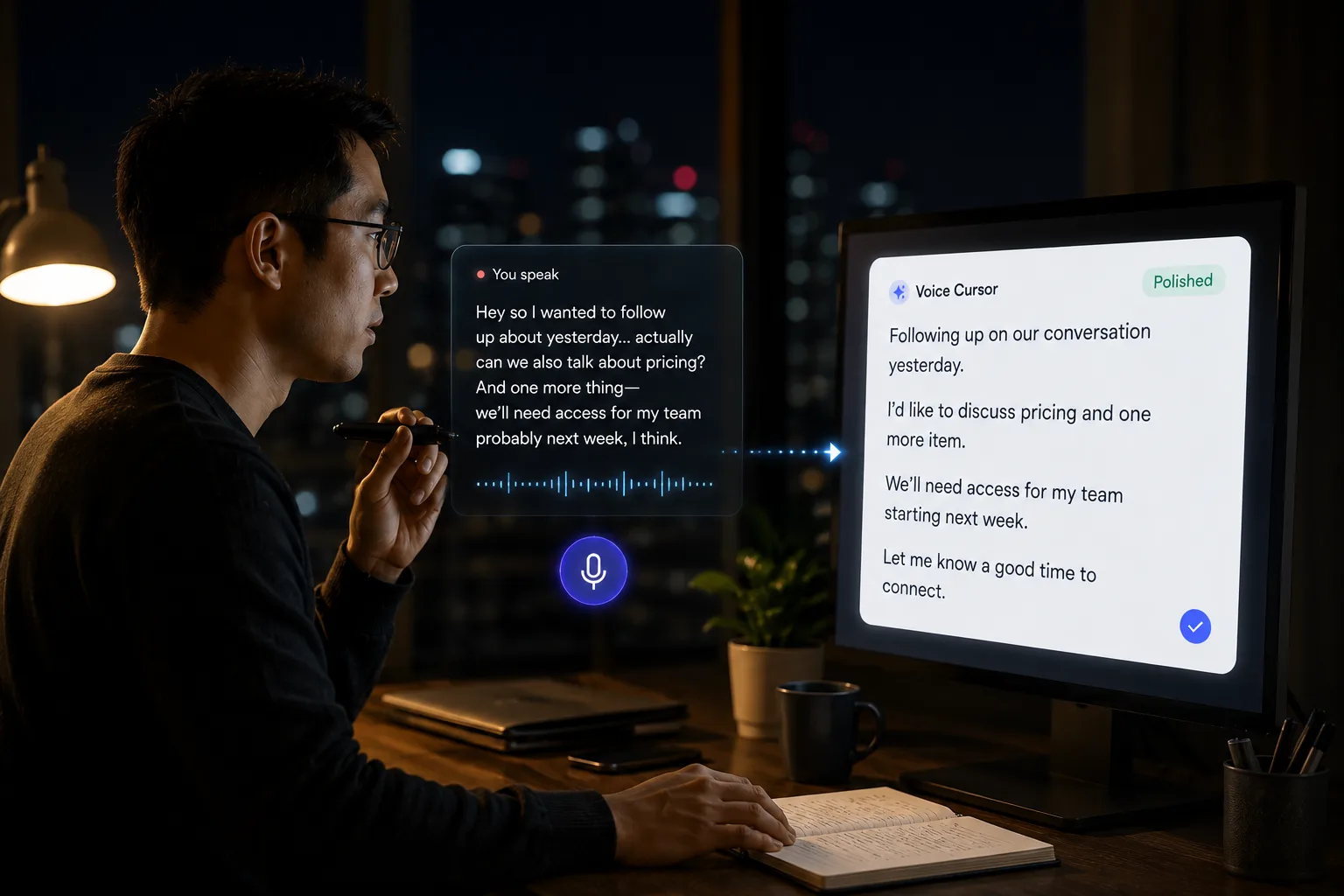
Voice dictation lets you speak the raw version before it disappears.
For example:
"The client says they need a new dashboard, but the actual issue is that the weekly reporting process has no owner. A dashboard might help, but unless someone owns the metric definitions, the same confusion will continue."
That thought can become a meeting summary, recommendation, or internal note.
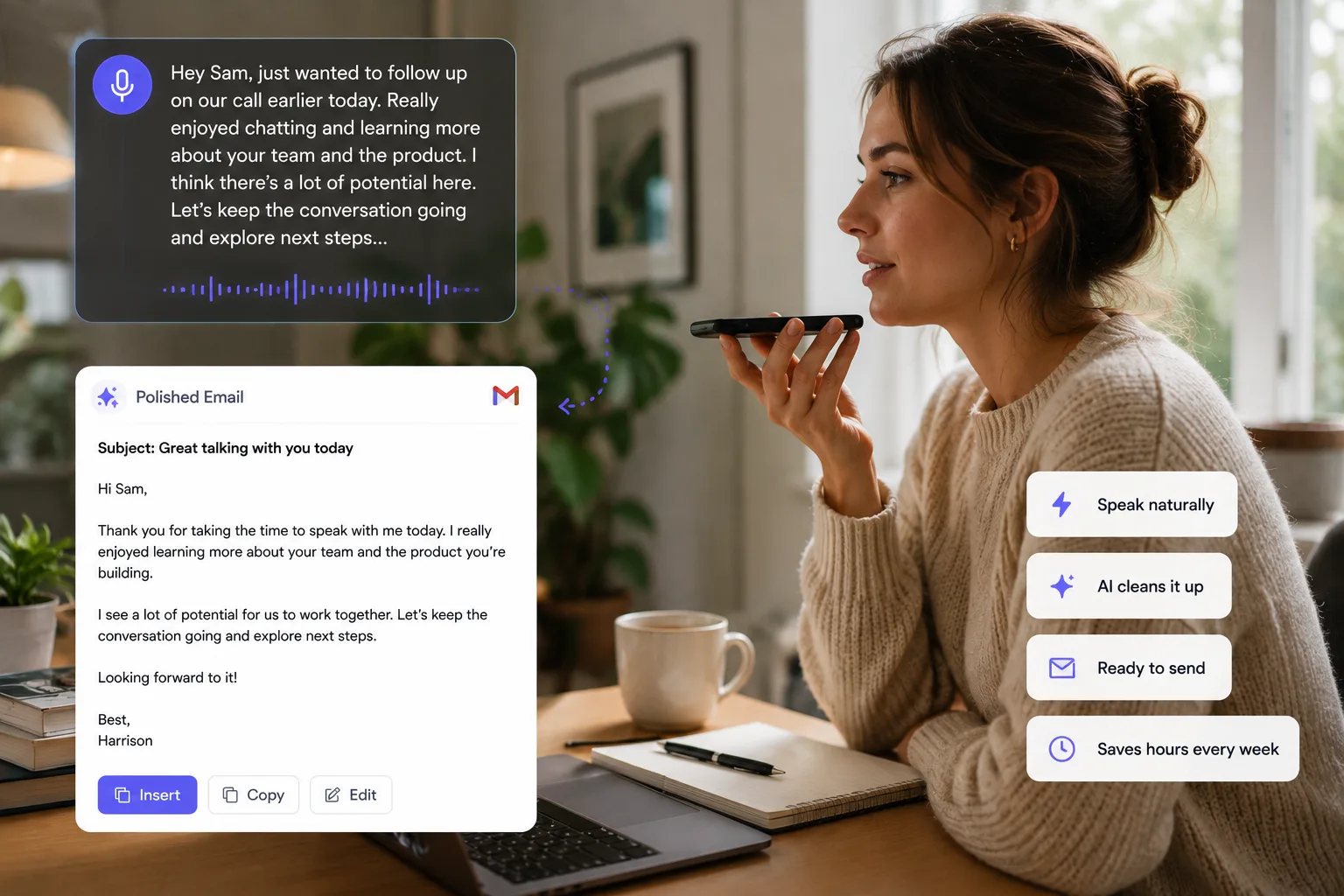
Voice Cursor is useful for client follow-ups, project summaries, recommendation drafts, proposal outlines, meeting notes, executive updates, research synthesis, and AI prompts.
A good consulting note has layers
- What the client said.
- What you think it means.
- What risk or tradeoff sits underneath.
- What you recommend next.
Voice dictation is especially good for first drafts of recommendations.
Typed consulting language can become stiff. Spoken language often starts closer to the actual insight. You can say what you mean plainly, then refine the structure later.
For example:
"The recommendation is to simplify the onboarding process before adding more automation. Right now the team is automating a workflow that is still too unclear. They should define the handoff points first."
That is a useful raw recommendation.
Voice Cursor helps consultants get from thinking to text faster.
It also helps with proposals. Instead of staring at a blank document, you can talk through the client's problem, the proposed approach, the timeline, and the expected outcome. Once the raw material exists, formatting becomes easier.
The key is to treat voice dictation as the capture layer, not the final deliverable.
Speak first. Structure second. Polish third.
Consulting depends on clear communication. The best consultants do not only have good ideas. They make those ideas easy for clients to understand, believe, and act on.
Voice Cursor helps with the language between insight and action.
FAQ
Can consultants use Voice Cursor?
Yes. Consultants can use Voice Cursor to dictate notes, summaries, recommendations, proposals, and client emails.
Is voice dictation useful after client meetings?
Yes. It helps capture insights and action items while they are fresh.
Should dictated consulting notes be edited?
Yes. Voice Cursor helps create drafts, but client-facing deliverables should still be reviewed and polished.
Try Voice Cursor
Turn spoken thoughts into polished writing.
Download Voice Cursor and use AI voice dictation across the apps where your work already happens.
Download the app