

 Mac版をダウンロード
 Voice Cursorを試す
01.
話し始める
Voice CursorのデスクトップアプリでClaude Codeのリモート操作を有効にします。
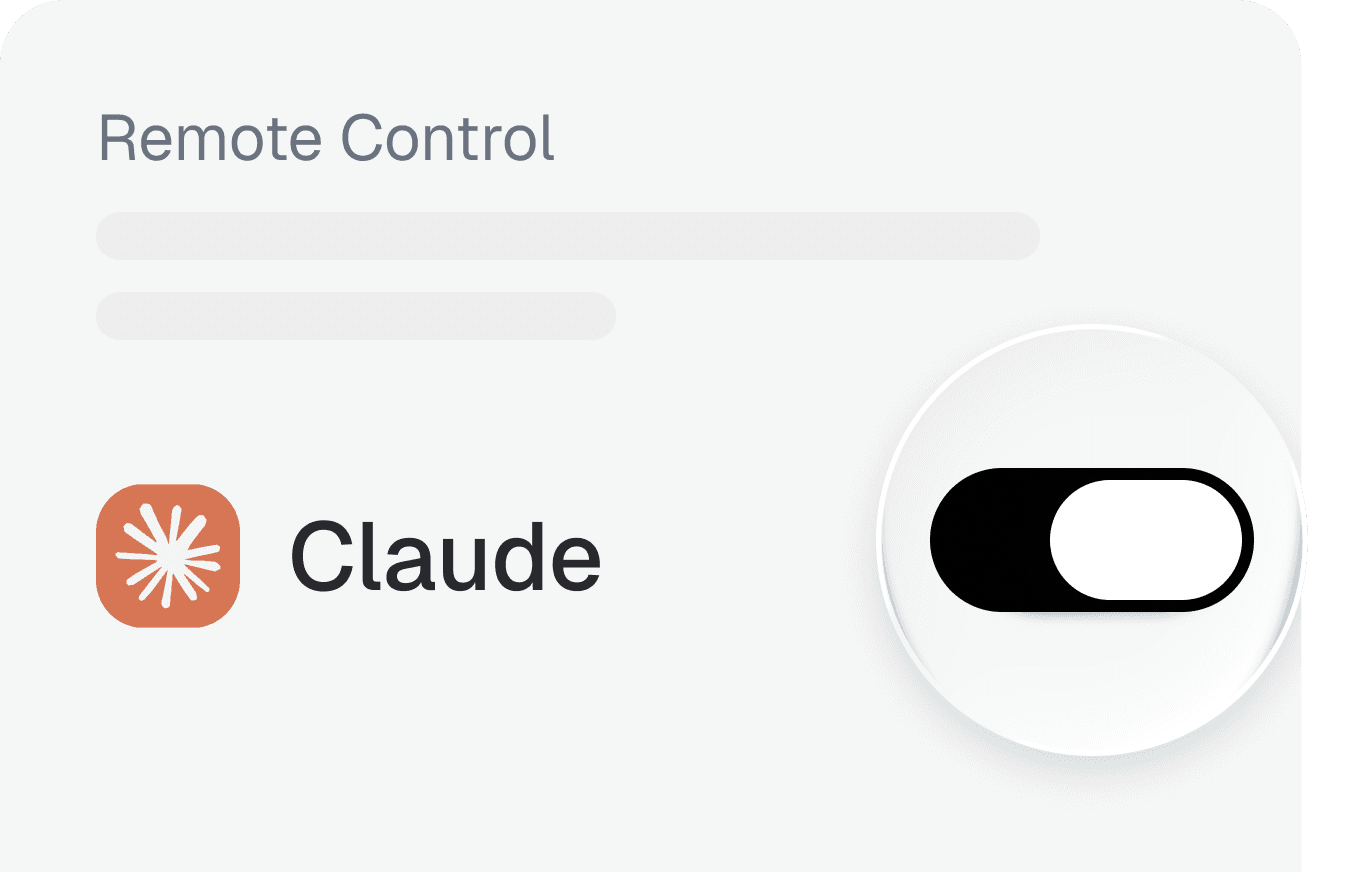
Voice CursorのデスクトップアプリでClaude Codeのリモート操作を有効にします。
Voice CursorのデスクトップアプリでClaude Codeのリモート操作を有効にします。
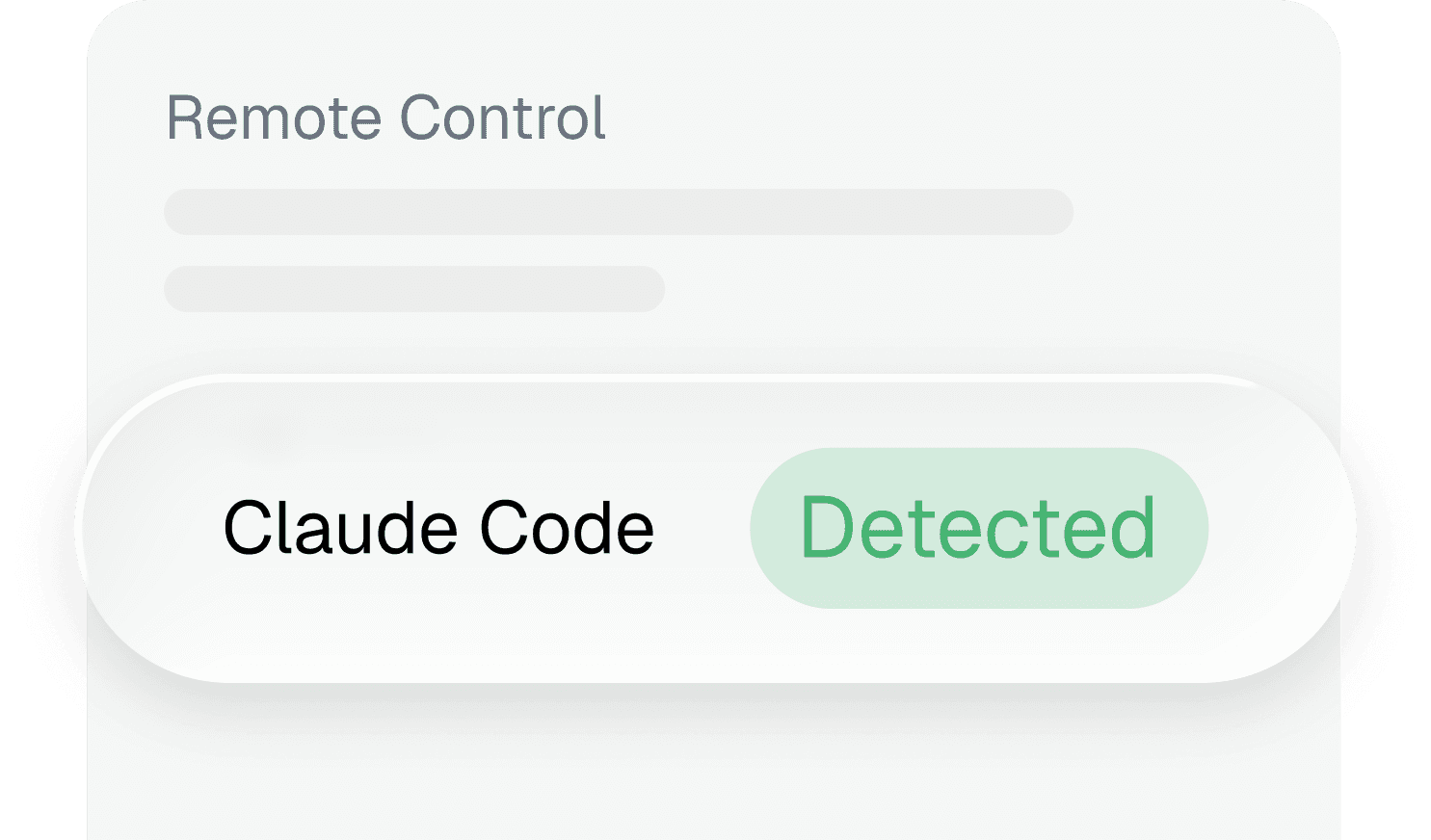
Voice CursorのデスクトップアプリでClaude Codeのリモート操作を有効にします。
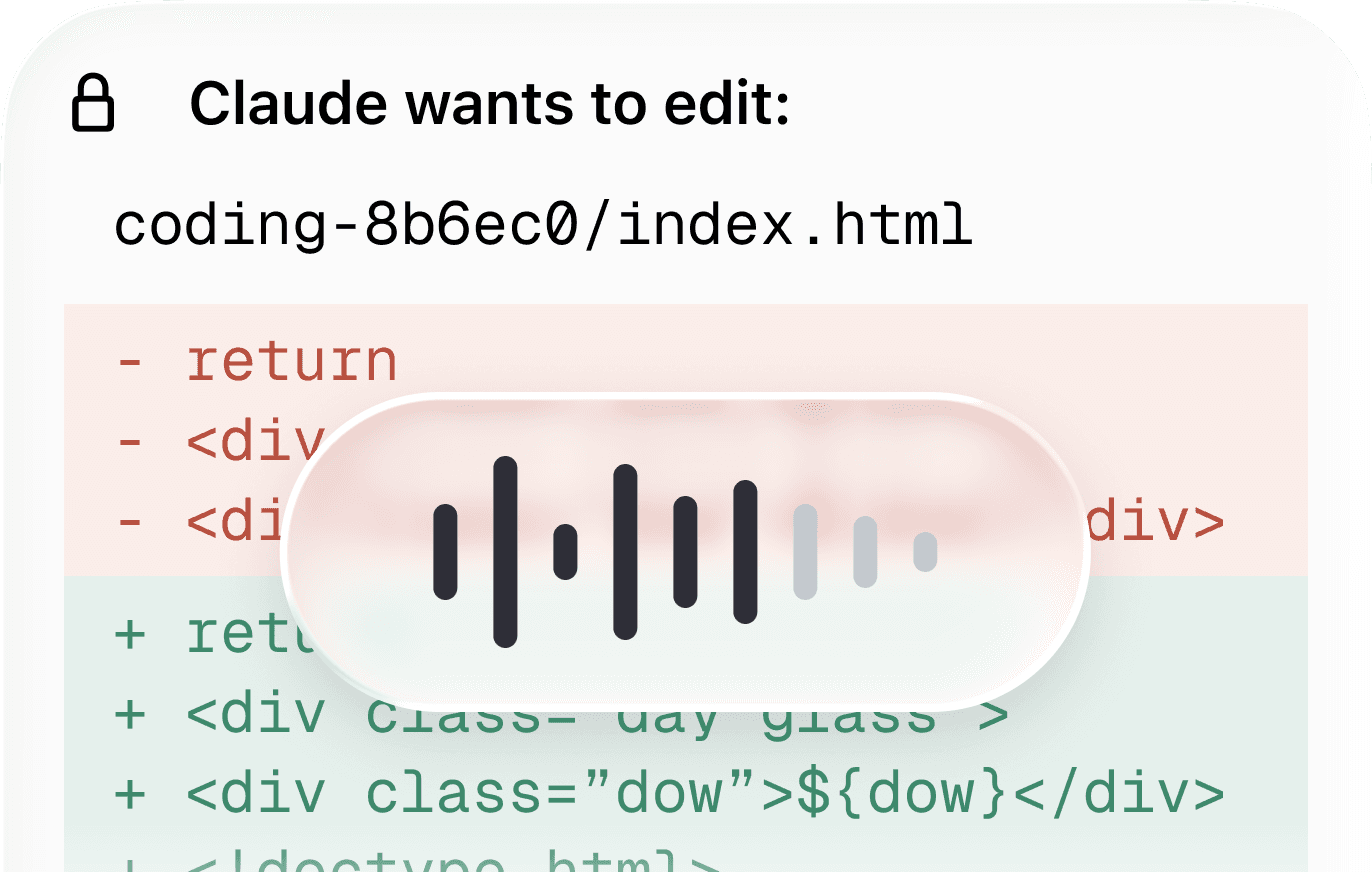
Voice Cursorで広がる使い方をご紹介します。
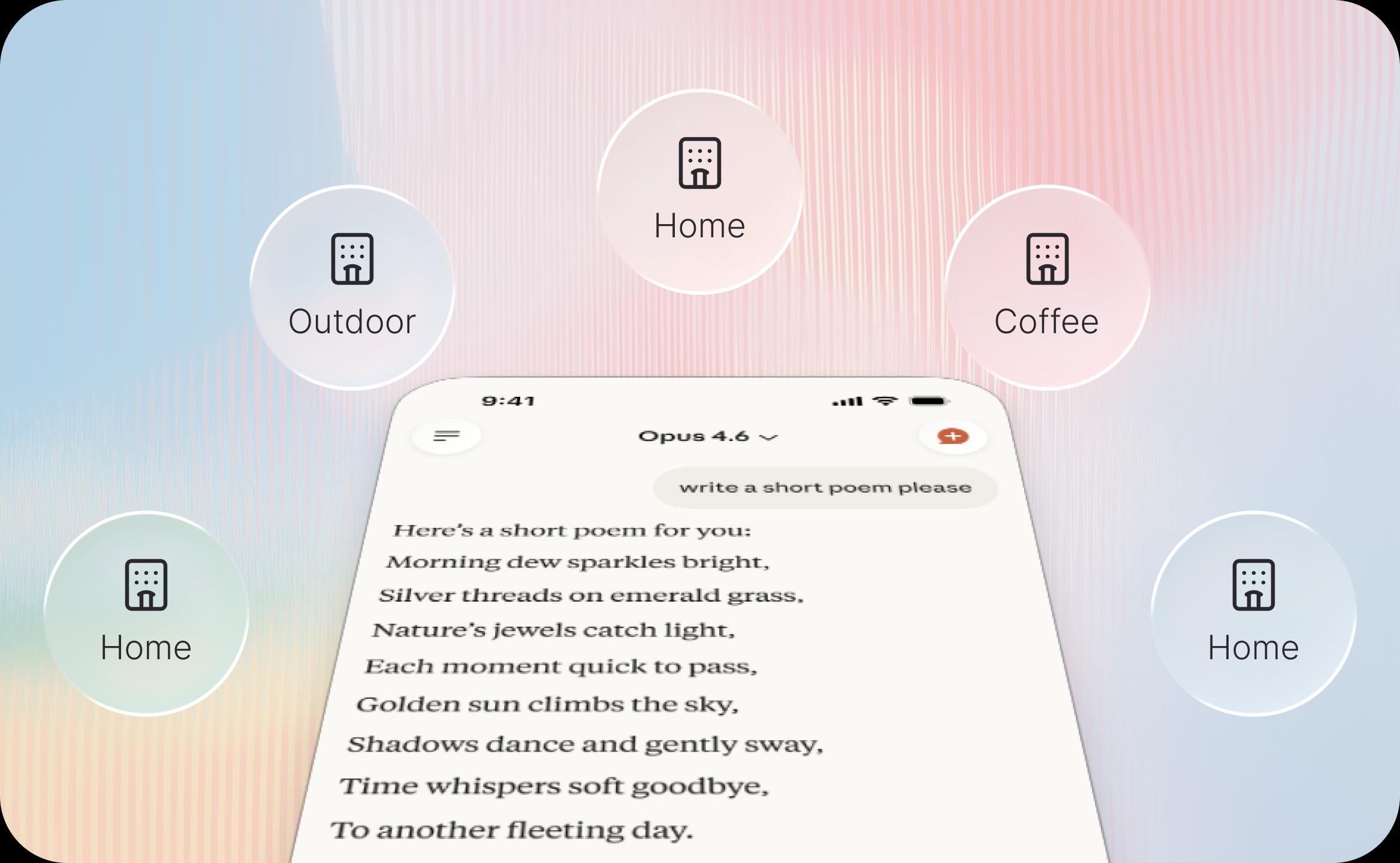
どこにいても開発エージェントと接続。デスクトップの作業をスマートフォンから音声で続けられます。
ポート設定や手動ペアリングは不要です。Claude Code CLIのセッションを自動検出して接続します。
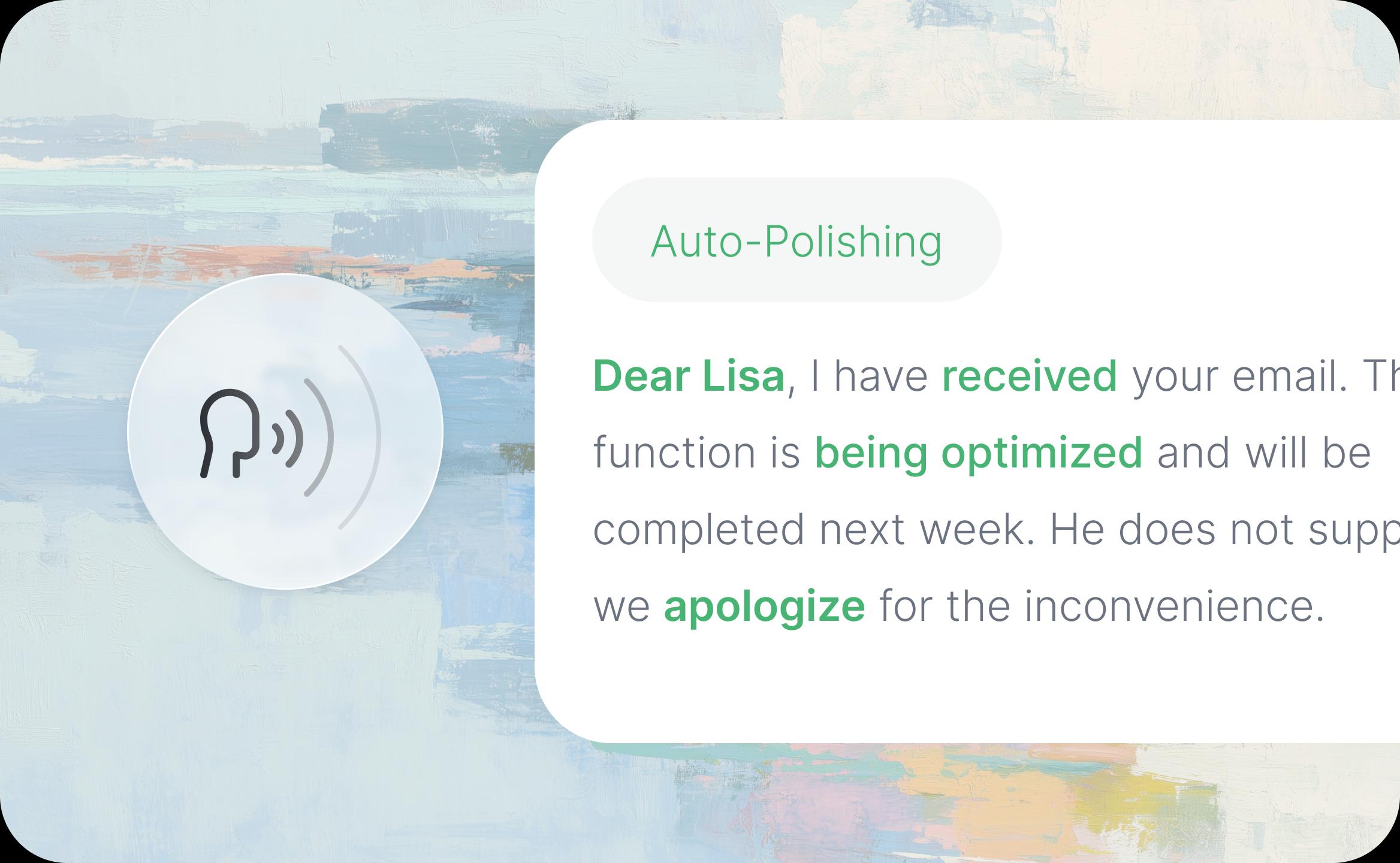
自然に話すだけ。コードの文脈を踏まえて指示を整え、適切なClaude Codeセッションに送ります。
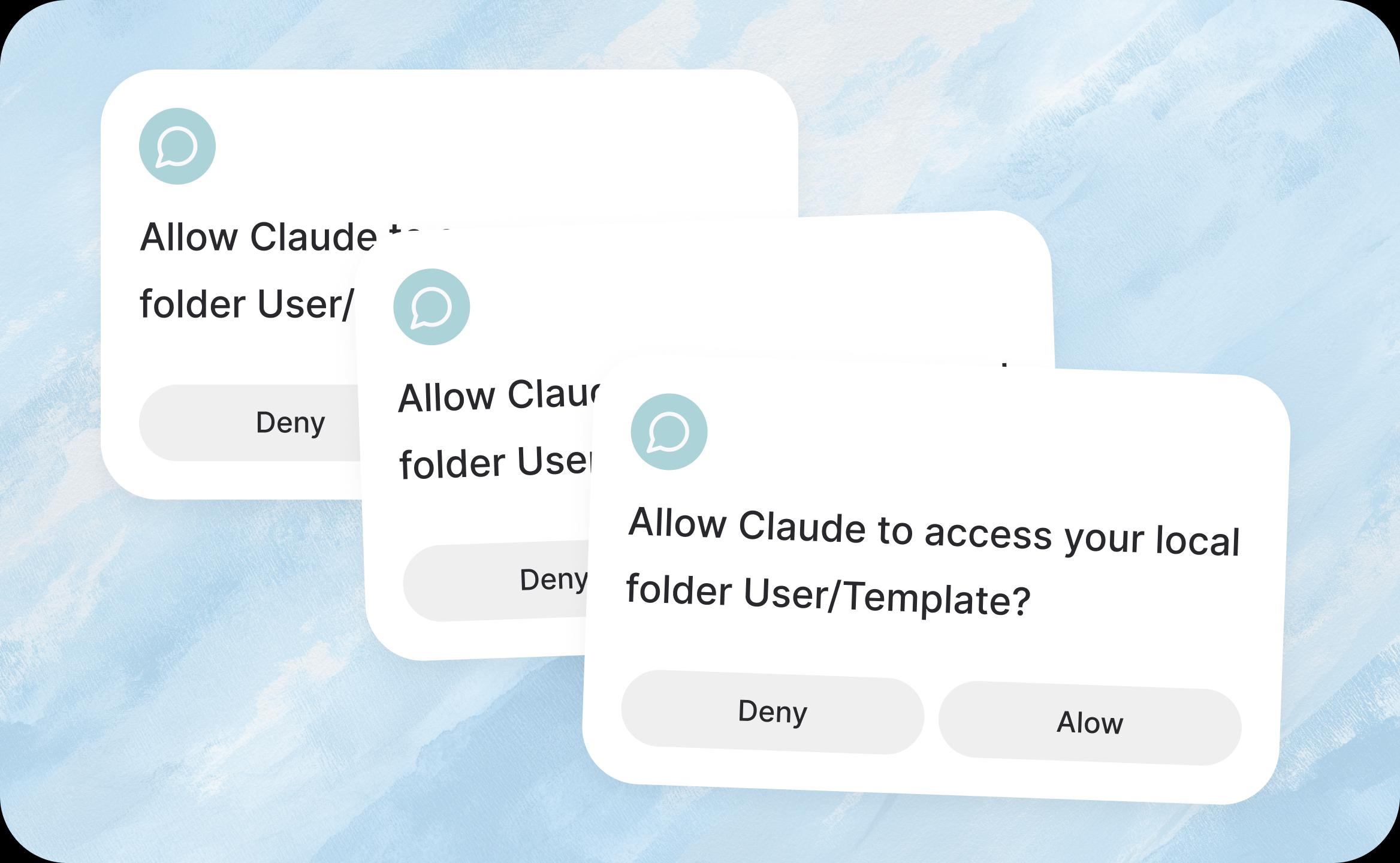
入力が必要なとき、レビューの準備ができたとき、エージェントが行き詰まったときに通知します。
Voice Cursor Remote Control lets you control Claude Code CLI from your phone using your voice.
You need the Voice Cursor desktop app on your Mac and the Voice Cursor mobile app on your phone. Claude Code should be running in your terminal.
No. Voice Cursor is designed to work without manual setup. Turn on Remote in the desktop app and your session appears on your mobile.
Yes. Once Remote is enabled, you can monitor and control Claude Code from your phone.
Voice Cursor Remote currently supports Claude Code. Codex and other terminal-based coding agents are coming soon.