Design Feedback Is Easier When You Can Say What You See
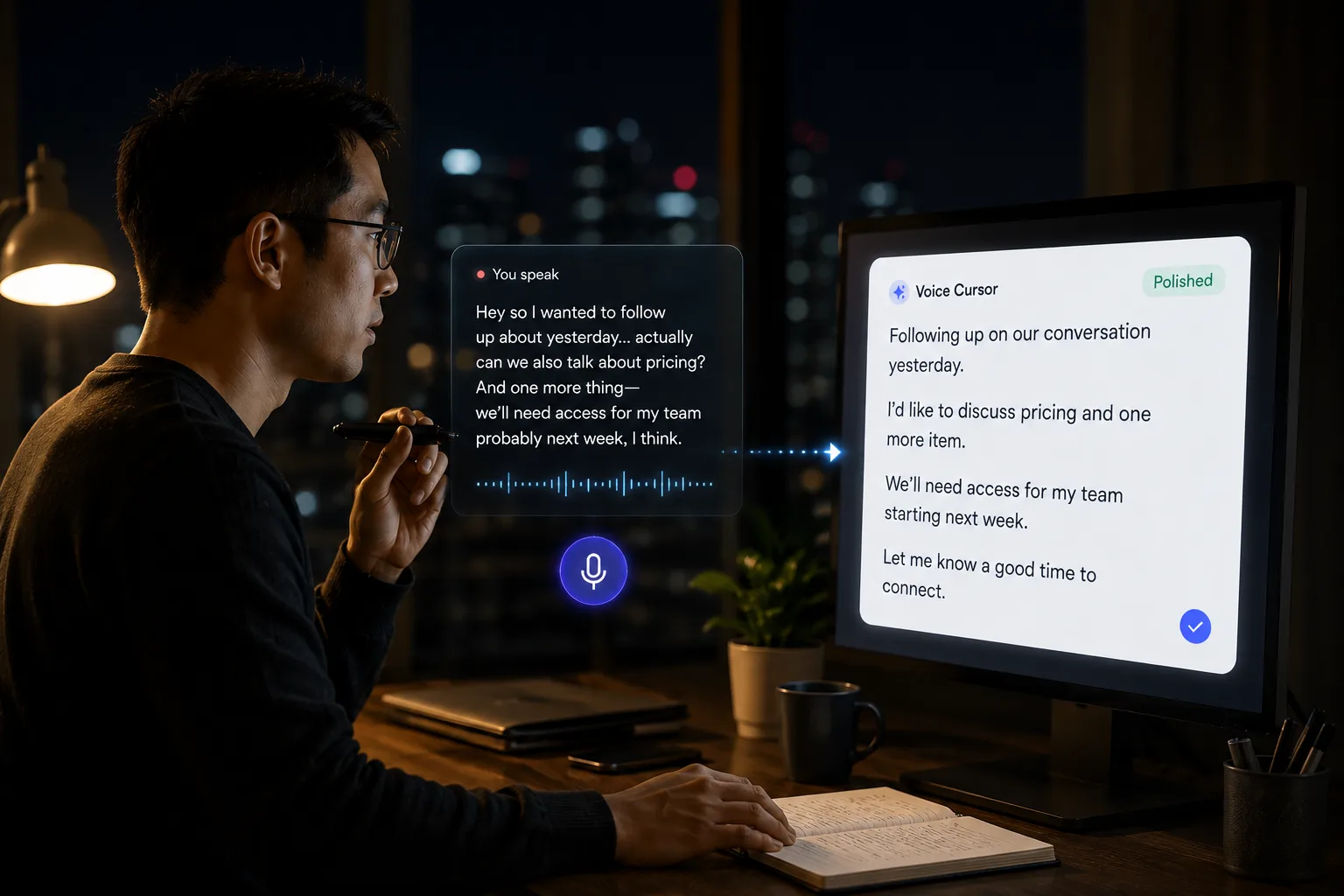
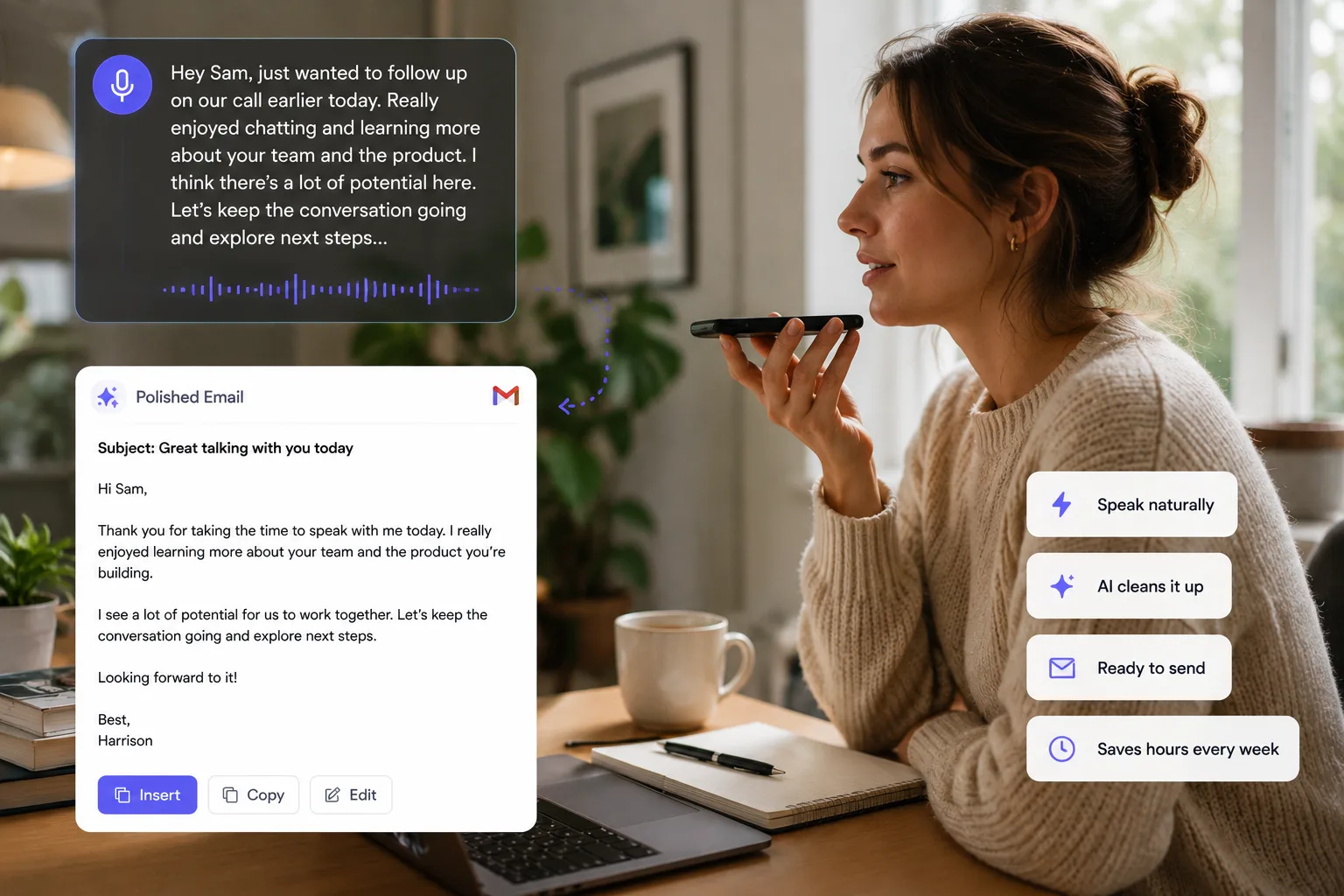
Design critique often appears while looking at the work. Voice helps designers capture the observation, the rationale, and the handoff note.


Voice Cursor Team
2026年4月8日 2 min read
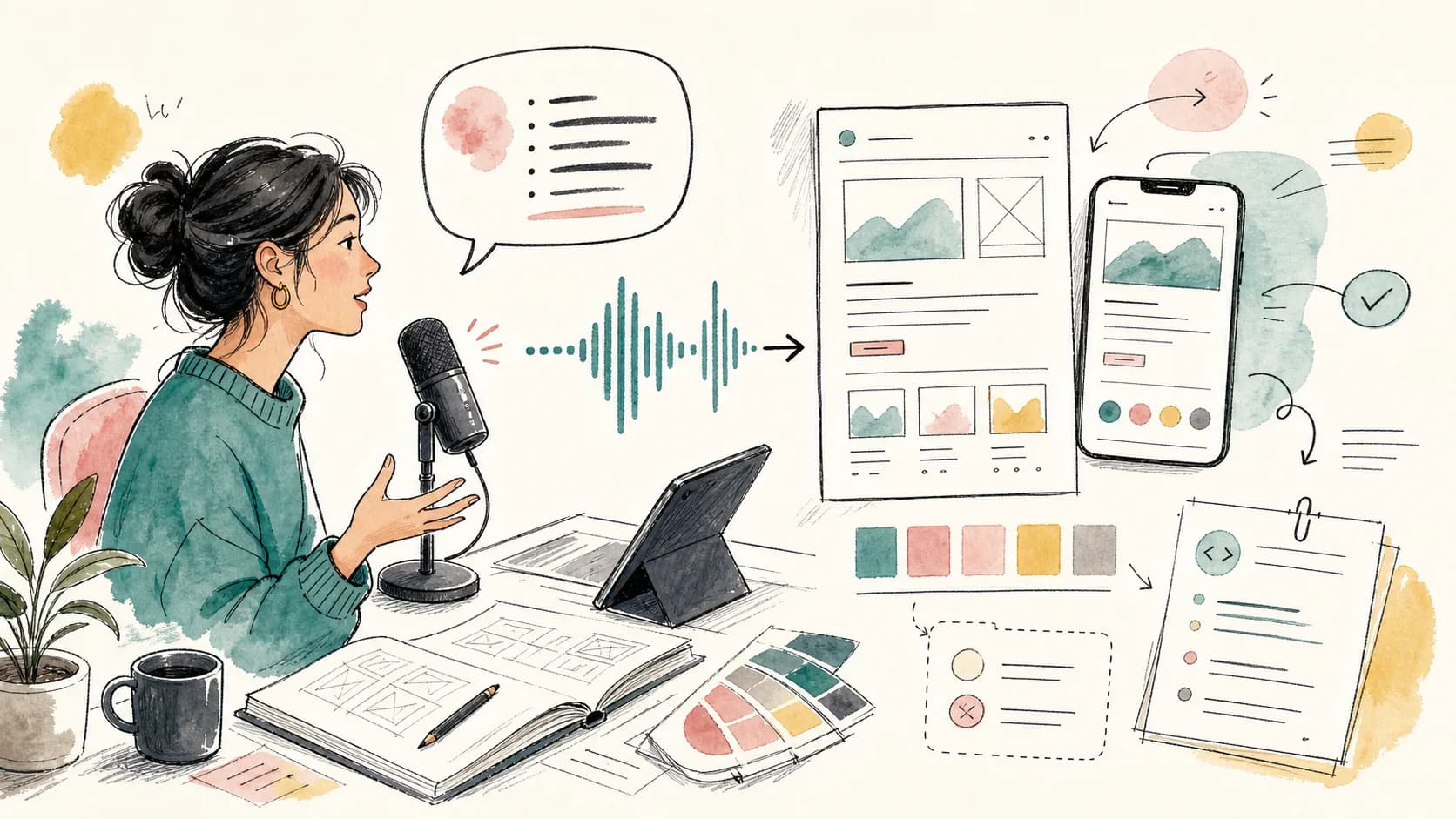
Designers do more writing than people think.
Design feedback. UX rationale. Client notes. Handoff comments. Creative briefs. Portfolio case studies. Research summaries. Async updates. Presentation scripts. Design is visual, but the work around design is language-heavy.
Voice Cursor helps designers turn spoken observations into polished text.
This is useful because design feedback often appears while looking at the work. You notice the spacing feels wrong, the hierarchy is confused, the copy is fighting the layout, or the flow asks too much from the user too early.
Typing that feedback can interrupt the act of seeing.
Voice lets you stay closer to the observation.
For example, you might say:
"The issue is that the secondary action has too much visual weight. It competes with the primary CTA, so the user does not know where to look first. Reduce the contrast, move it lower, and make the main action feel more obvious."
That can become a clean comment for a design review or handoff.
Voice Cursor is useful for design critique notes, UX explanations, client feedback, creative briefs, research summaries, portfolio writing, handoff comments, and prompts for AI design tools.
The value is not only speed. It is preserving nuance.
Designers often explain their work better out loud than in written comments. The spoken version includes reasoning. It captures the feeling of the problem. It explains why something should change, not only what should change.
That matters because design feedback without rationale can feel arbitrary.
Three design notes voice is good at
- A critique: what feels wrong and where the eye gets stuck.
- A rationale: why a change improves hierarchy, flow, or comprehension.
- A handoff note: what engineering needs to preserve when implementing the design.
"Make this bigger" is less useful than: "The headline should be larger because this screen needs one clear entry point. Right now the user sees four elements with equal weight." Voice dictation helps produce the second version faster.
It is also useful for client communication. Designers often need to translate creative decisions into language non-designers can understand. Speaking through the explanation first can make the final message sound clearer and less defensive.
Use voice before the comment becomes too polite
- Say the actual observation while you are still looking at the screen.
- Let Voice Cursor turn it into a clear comment.
- Edit the tone so it is useful, not harsh.
- Paste it into Figma, Slack, email, Notion, or a handoff doc.
Voice Cursor does not replace taste. It helps express taste.
For designers, that is a meaningful advantage.
A strong designer is not only someone who can make the right thing. It is someone who can explain why the thing is right.
Voice Cursor helps make that explanation easier to write.
FAQ
Can designers use Voice Cursor?
Yes. Designers can use Voice Cursor to dictate feedback, briefs, handoff comments, UX notes, and client messages.
Why is voice useful for design feedback?
Because design observations are often easier to explain out loud while looking at the work.
Does Voice Cursor work for design handoff?
Yes. You can dictate handoff notes and then paste them into your design or documentation workflow.
Voice Cursor を試す
話した思考を、洗練された文章へ。
Voice Cursor をダウンロードして、普段使うアプリで AI 音声ディクテーションを活用しましょう。
アプリをダウンロード