
Better AI Prompts Start with More Context
Detailed prompts are often long. Voice Cursor makes it easier to give AI tools context, constraints, and examples without typing every word.


Voice Cursor Team
May 10, 2026 3 min read
AI tools reward people who can explain clearly.
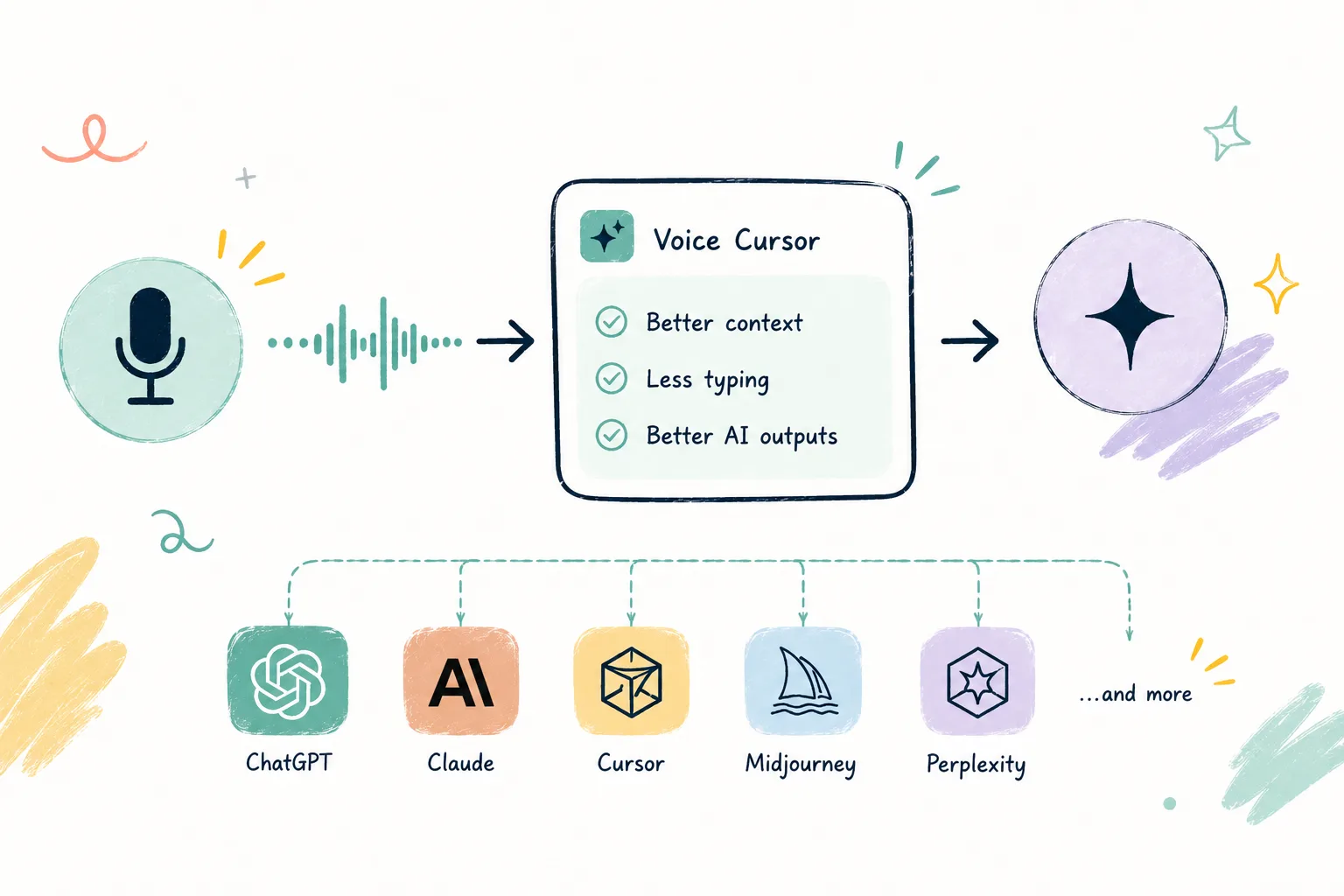
That is the hidden skill behind ChatGPT, Claude, Cursor, and every other language-based AI product. The output depends heavily on the input. A vague prompt gives you vague results. A specific prompt gives the model a much better chance of helping.
The problem is that good prompts are usually long. They include context, constraints, examples, tone, goals, edge cases, and what you do not want. Writing all of that by hand can feel slow enough that people settle for lazy prompts.
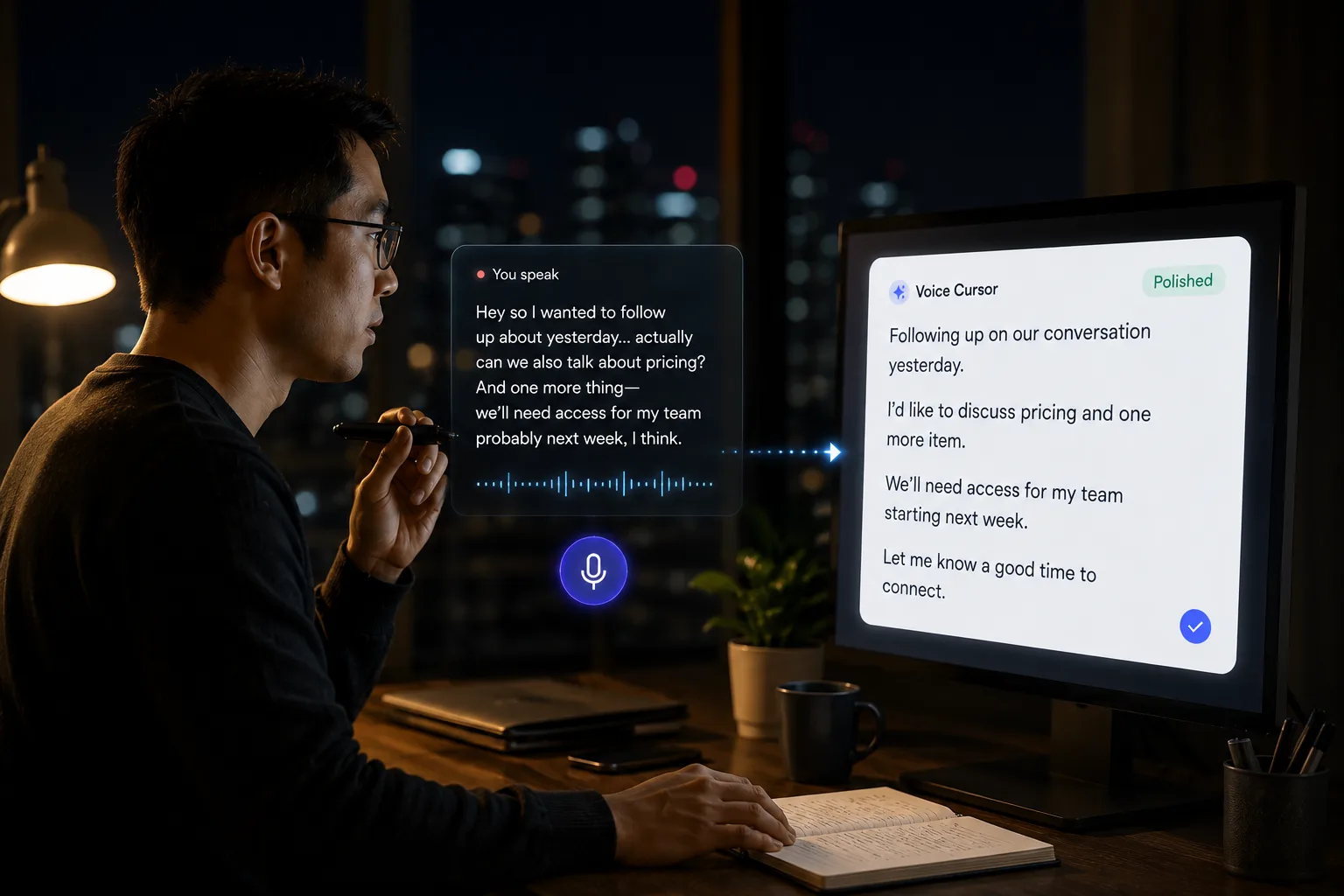
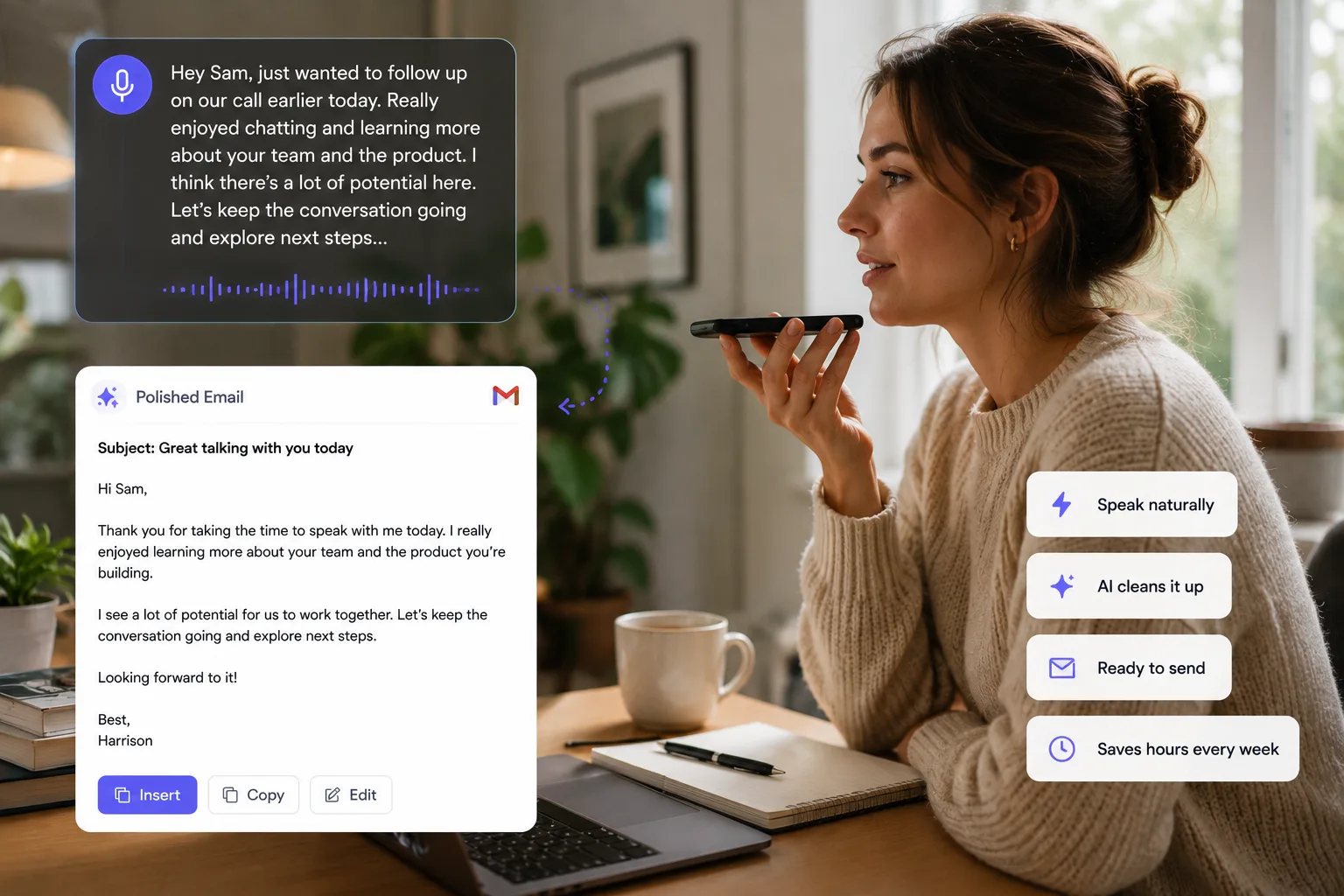
Instead of typing a detailed prompt from scratch, you can speak it. You can explain the situation naturally, let Voice Cursor turn the speech into polished text, then paste or send it into your AI tool.
Speaking encourages context
A typed prompt might be: "Rewrite this email." A spoken prompt might become: "Rewrite this email so it sounds confident but not aggressive. Keep it concise. The goal is to ask for a decision by Friday, but I do not want it to sound like we are pressuring them. Preserve the part about the timeline and remove anything that sounds too apologetic."
That second prompt is much more useful. Voice dictation makes it easier to give AI the information it needs.
- Summarize this meeting note into three decisions and two open questions.
- Turn this messy product idea into a one-page spec.
- Help me write a cold email to a founder who cares about hiring speed.
- Explain this bug clearly so an engineer can reproduce it.
- Take this rough thought and make it suitable for a LinkedIn post.
- Generate five alternative hooks for this short-form video.
The pattern is simple: when the prompt requires judgment, tone, or context, voice is often faster than typing.
Avoid under-prompting
Voice dictation is especially useful for people who use AI many times per day. If you are constantly writing prompts, you are constantly translating thought into text. Every prompt becomes a tiny writing task. Voice Cursor lowers the cost of that translation.
It also helps you avoid under-prompting. Many people know they should give more detail, but they do not want to type it. So they ask the AI for something broad, get a mediocre answer, then waste time correcting it. A better first prompt often saves the entire loop.
This is not about prompt engineering as a weird ritual. It is about communication.
Tell the AI what you are trying to do, why it matters, what constraints exist, and what good looks like. That kind of explanation is natural in speech.
The future of AI work will be deeply conversational. You will not only click through software. You will explain goals, refine outputs, challenge assumptions, and redirect tools through language. Voice Cursor gives you a faster way to produce that language.
FAQ
Why use voice dictation for AI prompts?
Because strong AI prompts often need context, and speaking is usually faster than typing long, detailed instructions.
Can I use Voice Cursor with ChatGPT or Claude?
Yes. You can dictate prompts with Voice Cursor and use the resulting text in AI tools.
Does voice dictation improve AI output?
It can help by making it easier to provide more detailed instructions, examples, and constraints.
Try Voice Cursor
Turn spoken thoughts into polished writing.
Download Voice Cursor and use AI voice dictation across the apps where your work already happens.
Download the app