Recruiters Should Capture Notes Before the Signal Fades
The best candidate notes are written while the conversation is still vivid. Voice helps recruiters preserve that signal without slowing down.


Voice Cursor Team
2026年4月24日 2 min read
Recruiting is a people job with a writing queue attached to it.
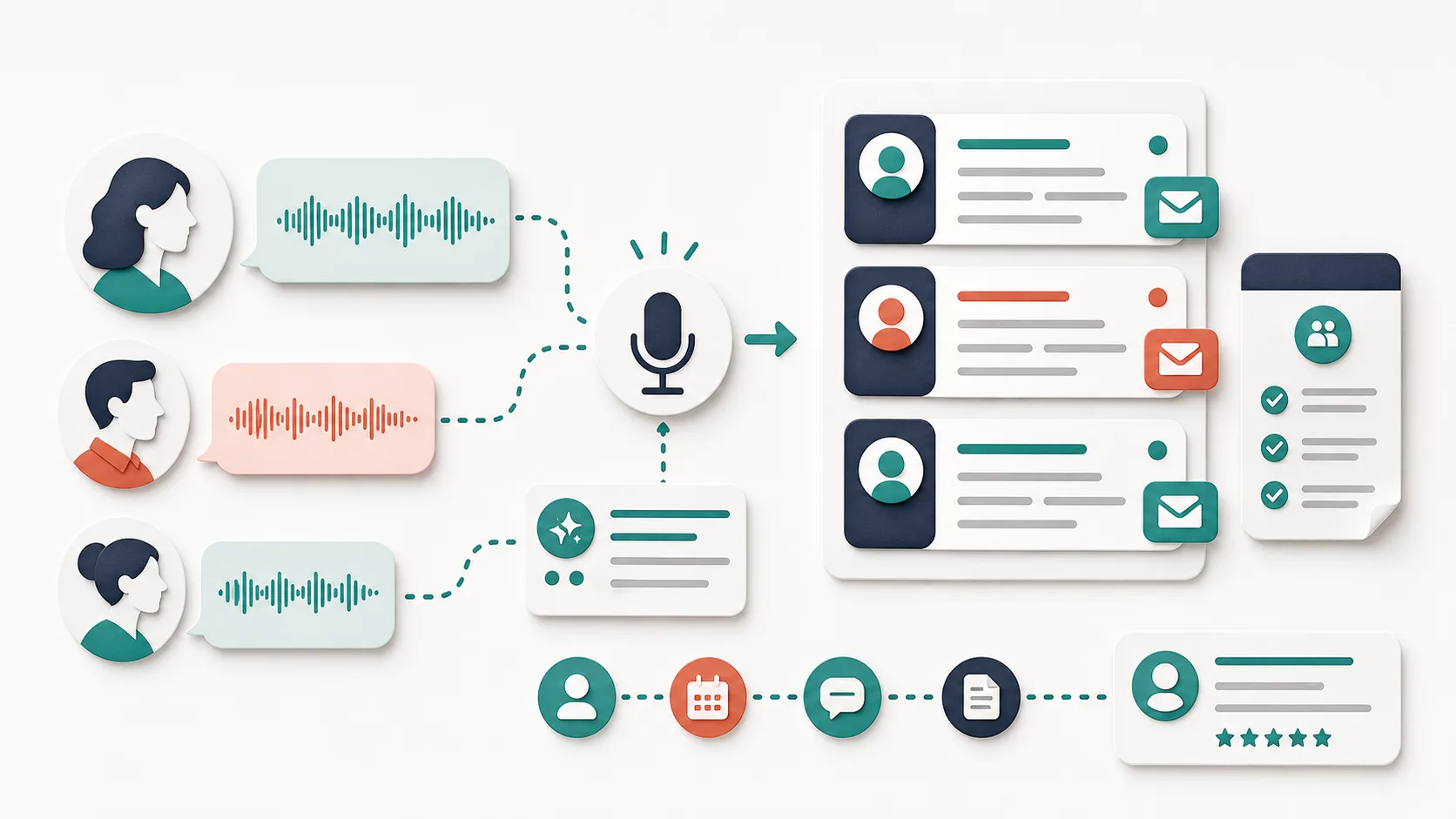
Every conversation creates more text: outreach, follow-ups, interview notes, hiring manager updates, scheduling messages, rejection emails, offer communication, and candidate feedback.
The best recruiters communicate quickly and personally. The problem is that personal writing takes time.
Voice Cursor helps reduce that typing burden.
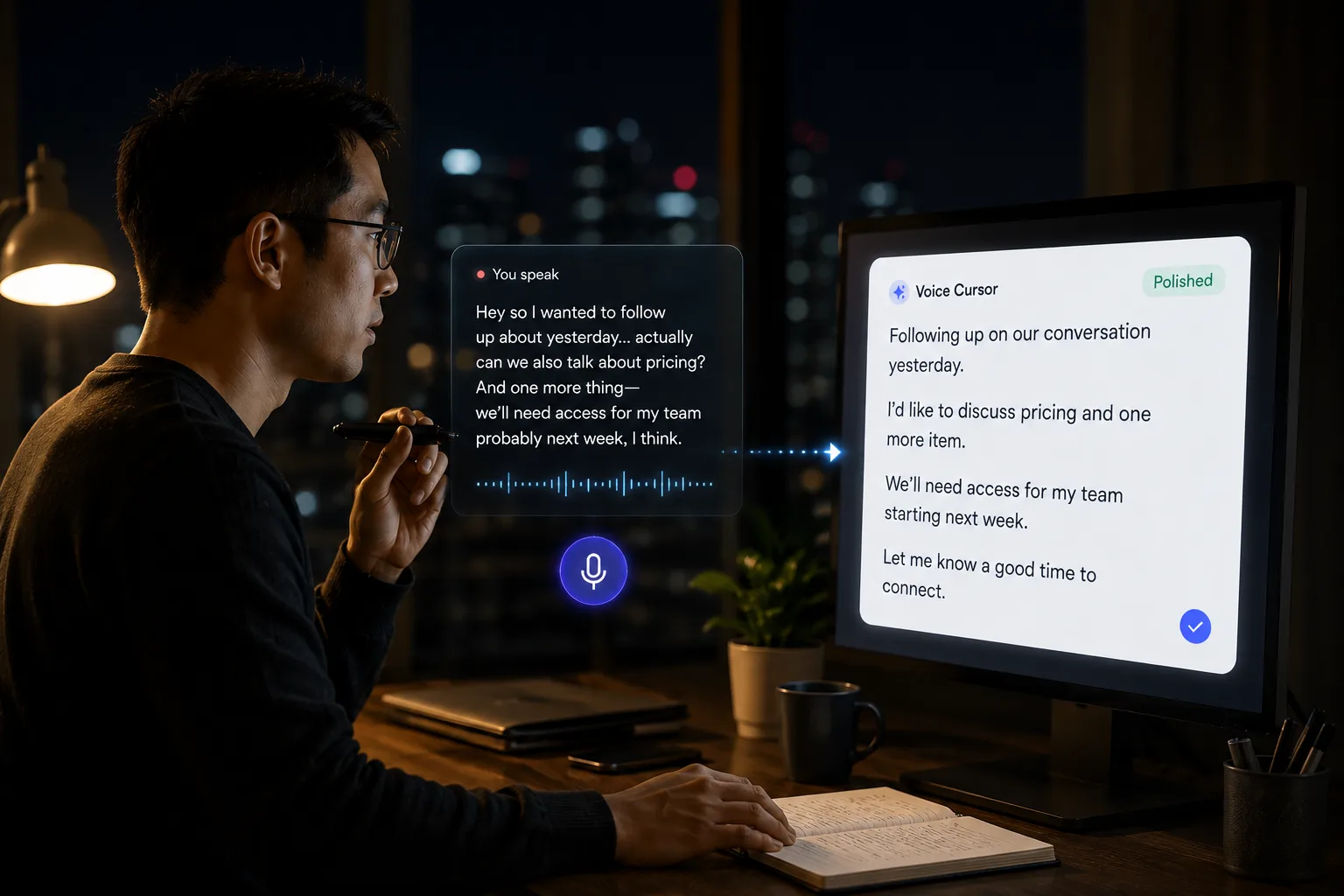
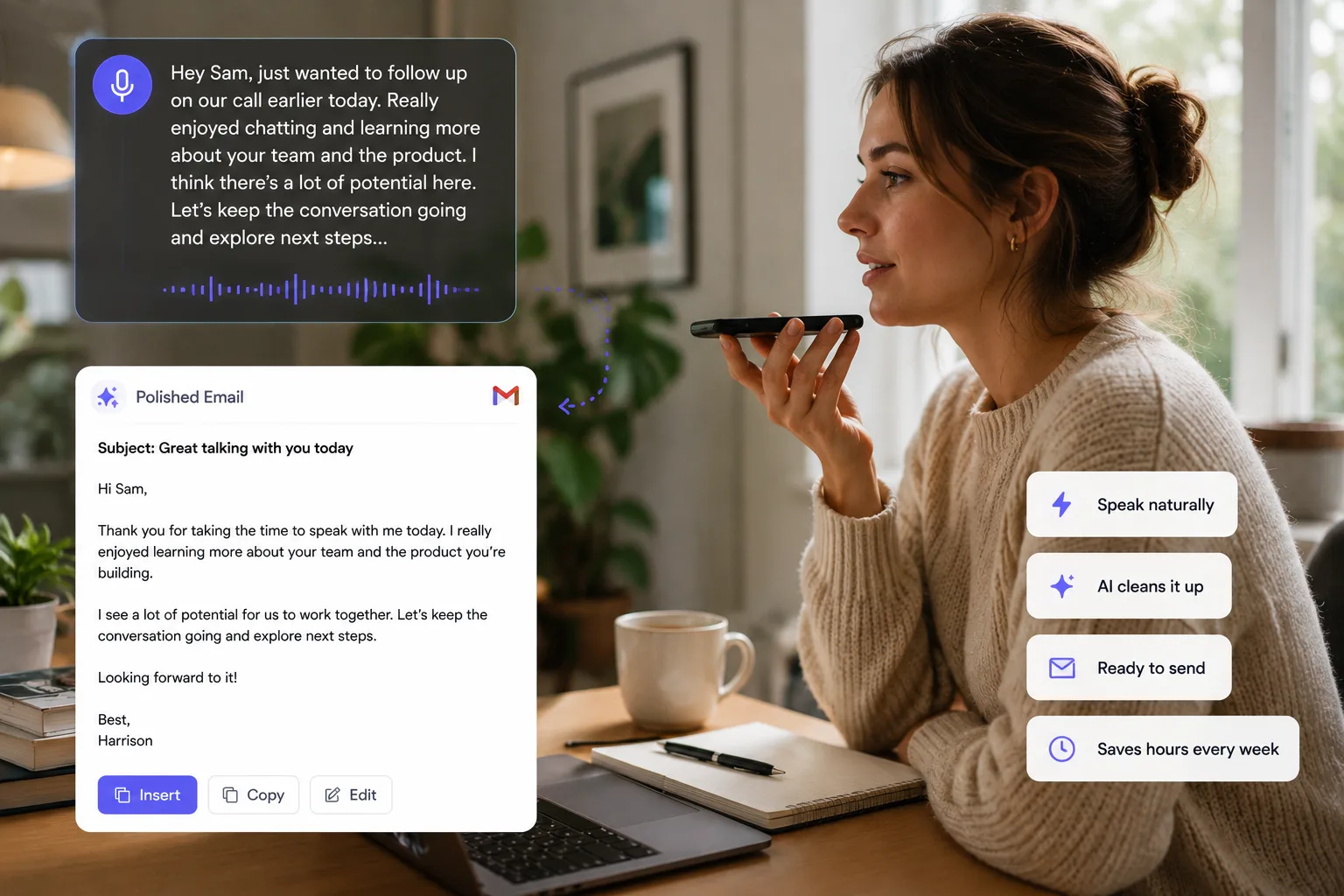
With voice dictation, recruiters can speak candidate messages and turn them into polished drafts. This is useful because recruiting communication often needs to sound human. Templates can save time, but they can also flatten the relationship. Candidates can feel when a message has been copied through six funnels and a spreadsheet.
Voice gives you a faster way to personalize without turning every message into a blank-page exercise.
For example, after a candidate screen, you might say:
"Write a follow-up to Maya. Thank her for the conversation. Mention that her experience building internal tools for support teams seems especially relevant. Ask for availability next Tuesday or Wednesday for the technical interview."
That becomes a draft you can quickly edit and send. The recruiter still owns the judgment; dictation just captures the relevant context faster.
Voice Cursor is useful for candidate outreach, LinkedIn messages, interview summaries, hiring manager updates, rejection emails, offer process notes, sourcing notes, and follow-up reminders.
- After a screen: capture strengths, risks, motivation, and timing.
- After a hiring-manager sync: capture what changed about the role.
- Before outbound: explain why this specific candidate is relevant.
- Before rejection: say the honest version, then make it kind and concise.
The strongest use case is capturing context immediately after conversations.
After an interview, the details are fresh. You remember the candidate's strengths, hesitations, compensation expectations, timeline, and what they seemed excited about. Wait two hours and half of that becomes mush.
Voice dictation lets you capture the note while the signal is still crisp.
Capture the signal after the call
"Candidate is strongest on product thinking and customer empathy. Less depth on backend systems, but probably fine for the role. They care a lot about autonomy and want to avoid a company where design decisions are too top-down."
That note is much richer than "good candidate, product-minded." It gives the hiring team something concrete to evaluate later.
Recruiting depends on these details. They help hiring teams make better decisions and help candidates feel seen.
Voice Cursor can also improve outbound quality. Instead of sending generic outreach, recruiters can speak customized drafts based on the person's background, then tighten the final message before sending.
For example:
"Write a short message to a product designer who worked on onboarding at a fintech company. Say we are building a voice-first productivity tool and their experience with complex user flows stood out."
That kind of personalization is faster to speak than type.
Voice dictation will not fix a bad hiring process. It will not replace recruiter judgment. But it can make the communication layer faster and more human.
Recruiting is already conversation.
Voice Cursor helps turn those conversations into useful writing.
FAQ
How can recruiters use Voice Cursor?
Recruiters can use Voice Cursor to dictate outreach, candidate emails, interview notes, hiring updates, and follow-ups.
Is voice dictation useful after interviews?
Yes. It helps recruiters capture feedback while the conversation is still fresh.
Can Voice Cursor help personalize candidate outreach?
Yes. Speaking a customized message is often faster than typing one from scratch.
Voice Cursor を試す
話した思考を、洗練された文章へ。
Voice Cursor をダウンロードして、普段使うアプリで AI 音声ディクテーションを活用しましょう。
アプリをダウンロード