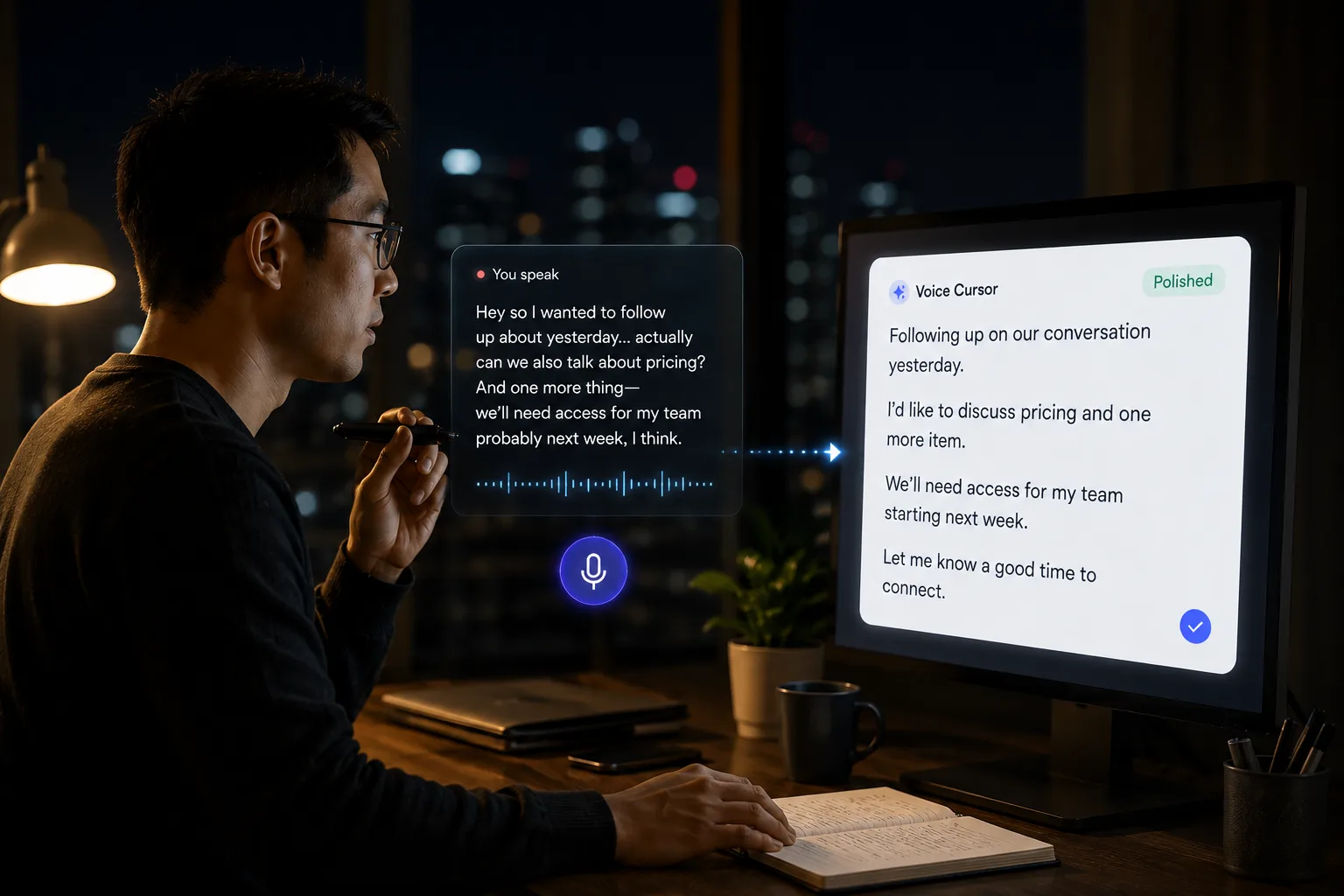
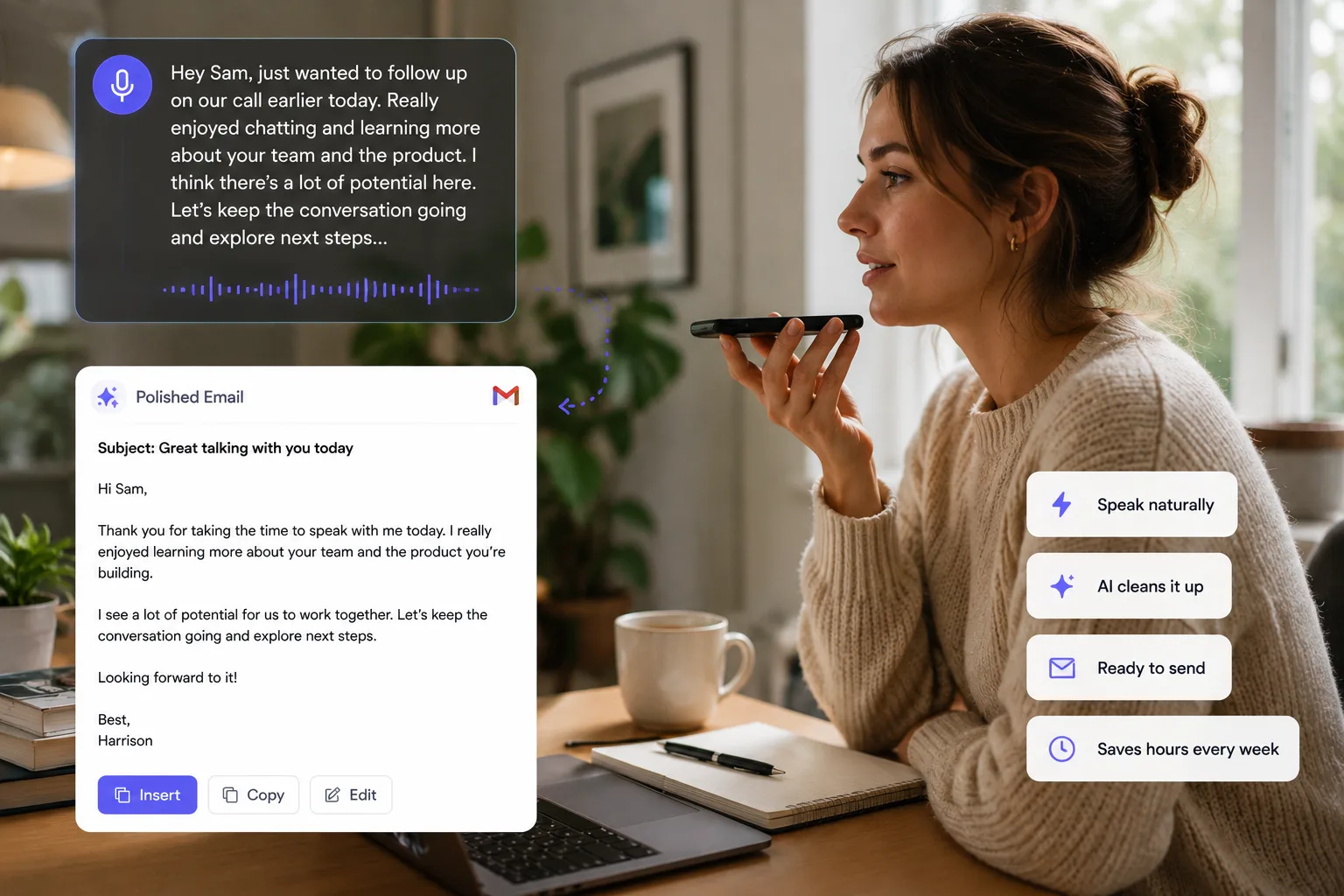
Speak to Draft. Type to Refine.
Voice and keyboard solve different writing problems. Use speech for raw context and the keyboard for precision, editing, and final control.


Voice Cursor Team
2026年3月11日 3 min read
Typing is not broken.
It is just overused.
For decades, typing has been the default way to create text on a computer. It is precise, predictable, and deeply familiar. For editing a sentence, fixing a word, writing code, or formatting a document, the keyboard is still excellent.
But typing is not always the best way to start.
AI dictation is strongest when the hard part is getting the thought out.
That includes emails, notes, AI prompts, Slack messages, summaries, product ideas, bug explanations, meeting follow-ups, scripts, outlines, and first drafts.
Decision guide
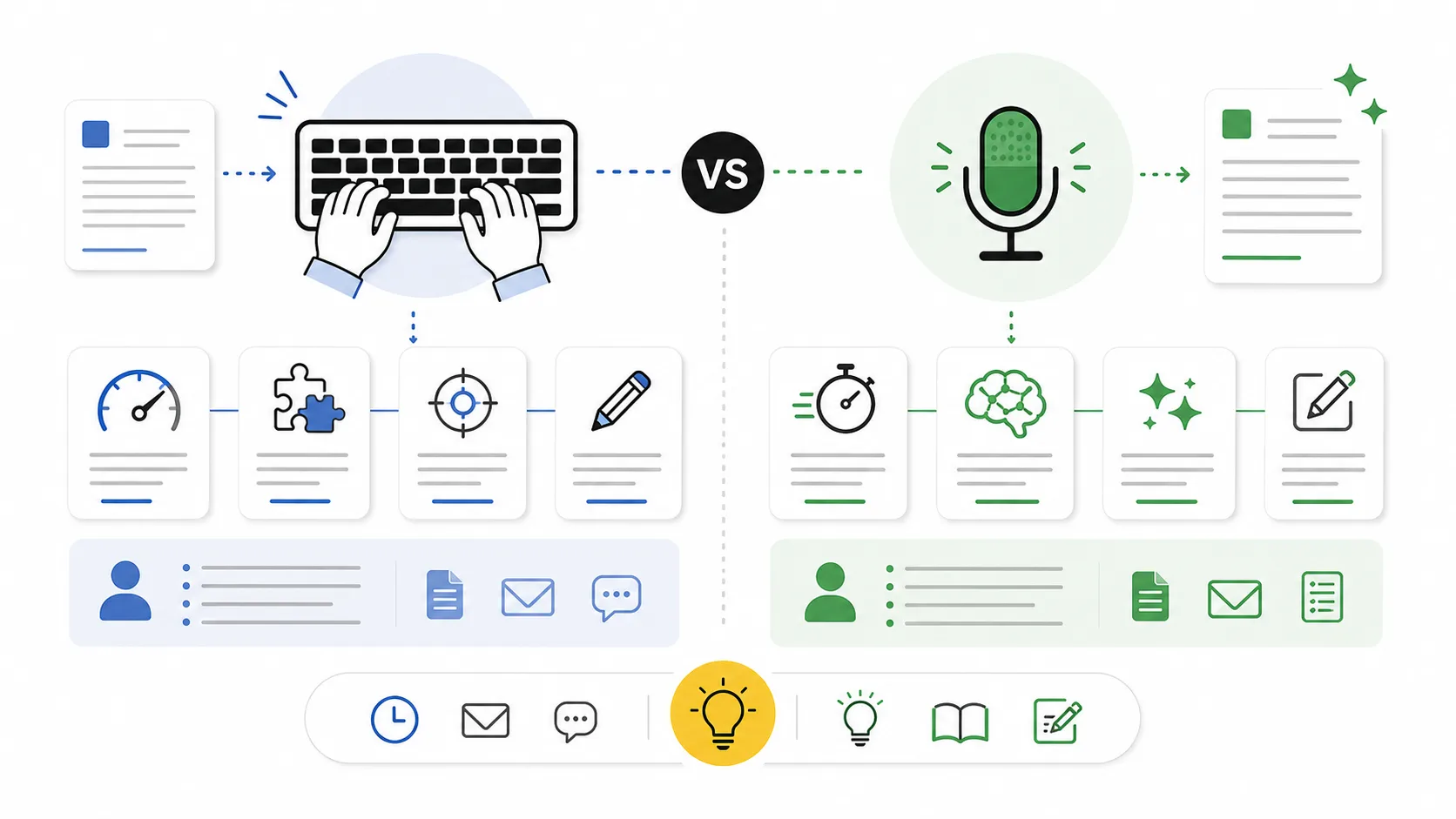
- Speak when the job is drafting, explaining, brainstorming, summarizing, or prompting.
- Type when the job is editing, formatting, correcting, coding exact syntax, or choosing final wording.
- Use both when the work starts messy and ends precise.
When you are generating raw material, voice is often faster and more natural. When you are polishing details, typing gives you control.
The mistake is treating writing as one activity.
Writing actually has several phases: thinking, drafting, structuring, editing, formatting, and sending.
Typing is good for some of these. Voice is better for others.
AI dictation is particularly useful during the drafting phase because it lets you produce more language with less mechanical effort. You can explain the idea naturally before worrying about perfect wording.
For example, if you need to write a project update, typing might make you start with: "Progress this week was good."
That is vague.
Voice adds the missing context
"This week we made progress on onboarding, but the important thing is that activation still depends on users reaching the first successful dictation moment. We should focus next week on shortening the path to that moment instead of adding more settings."
That is much richer.
Voice captures context.
Typing often compresses too early.
AI dictation is also useful when working with AI tools. Good prompts often require more context than people feel like typing. Speaking makes it easier to include constraints, examples, tone, and goals.
However, typing is still better for precision.
Use typing when you need exact wording, you are editing a final version, you are formatting, you are writing code character by character, you are working in a noisy environment, or you need privacy.
Use AI dictation when you are drafting, explaining, summarizing, prompting, responding, planning, capturing, or trying to avoid the blank page.
The best workflow uses both.
Dictate the rough version with Voice Cursor. Then use the keyboard to edit.
This avoids the biggest weakness of typing: it makes you judge every sentence too early. Voice lets the thought breathe before you operate on it.
AI dictation is not magic. It will not make every sentence perfect. You still need to review the output. But it changes the starting point.
Instead of starting with an empty box, you start with a draft.
That alone is a serious productivity shift.
The future is not voice versus keyboard.
The future is choosing the right input for the moment.
FAQ
Is AI dictation better than typing?
Not always. AI dictation is better for drafting and capturing thoughts. Typing is better for editing and precision.
When should I use voice dictation?
Use voice dictation for emails, prompts, notes, messages, summaries, and first drafts.
Should I still edit dictated text?
Yes. Voice dictation helps you start faster, but editing is still important.
Voice Cursor を試す
話した思考を、洗練された文章へ。
Voice Cursor をダウンロードして、普段使うアプリで AI 音声ディクテーションを活用しましょう。
アプリをダウンロード