
Vibe Coding Is Mostly Explaining What You Want
AI coding tools move faster when your instructions include the goal, the constraint, and the reason behind the change.


Voice Cursor Team
May 6, 2026 2 min read
Vibe coding is not about handing your taste to a model.
It is about staying close enough to the work that you can steer it.
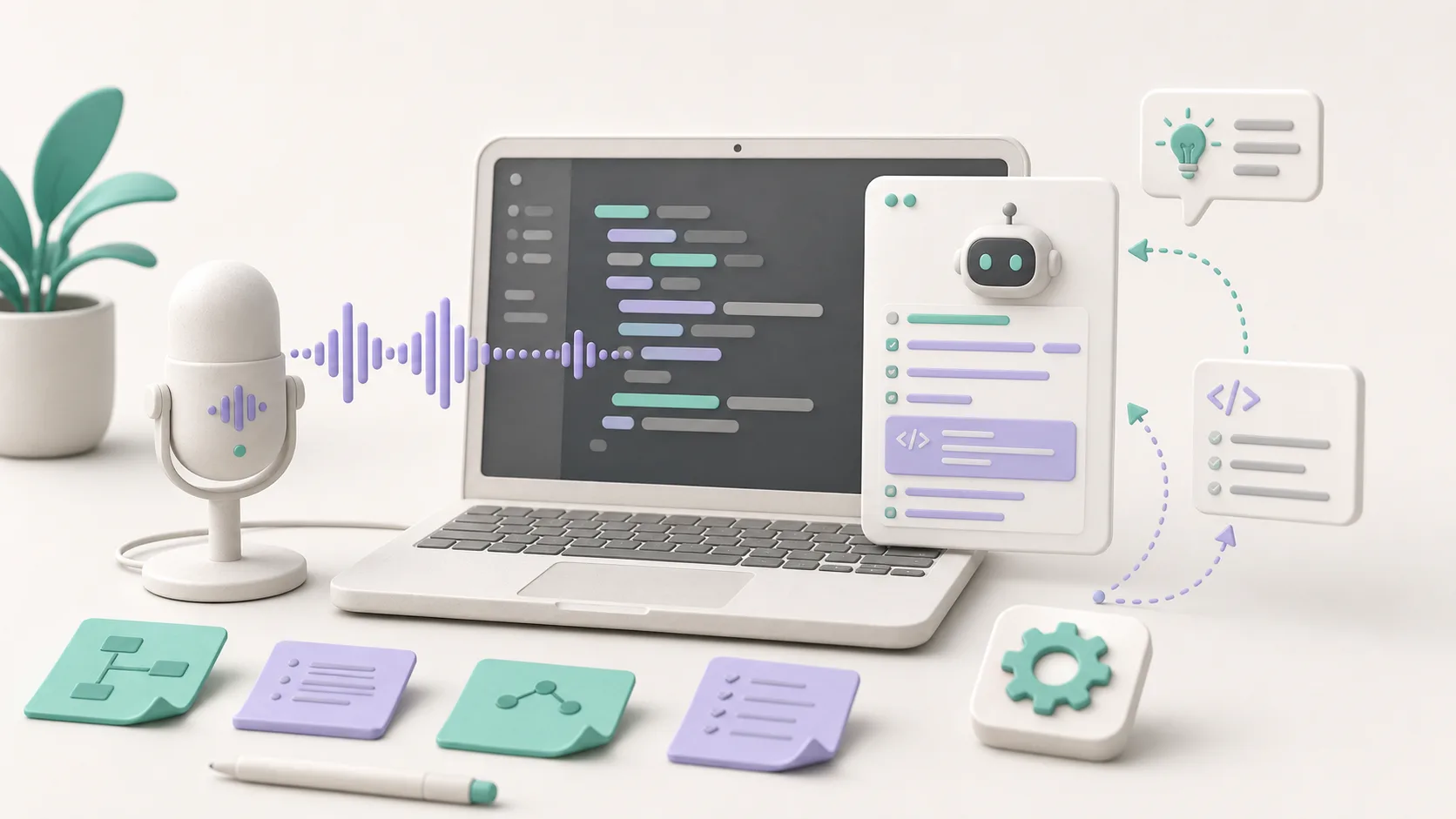
When you build with AI coding tools, the work shifts from typing every line to describing the right change: the feature, the bug, the edge case, the design intention, the weird behavior, the thing the model misunderstood, and the flow that should happen instead.
That work is language work. Voice Cursor helps with that layer.
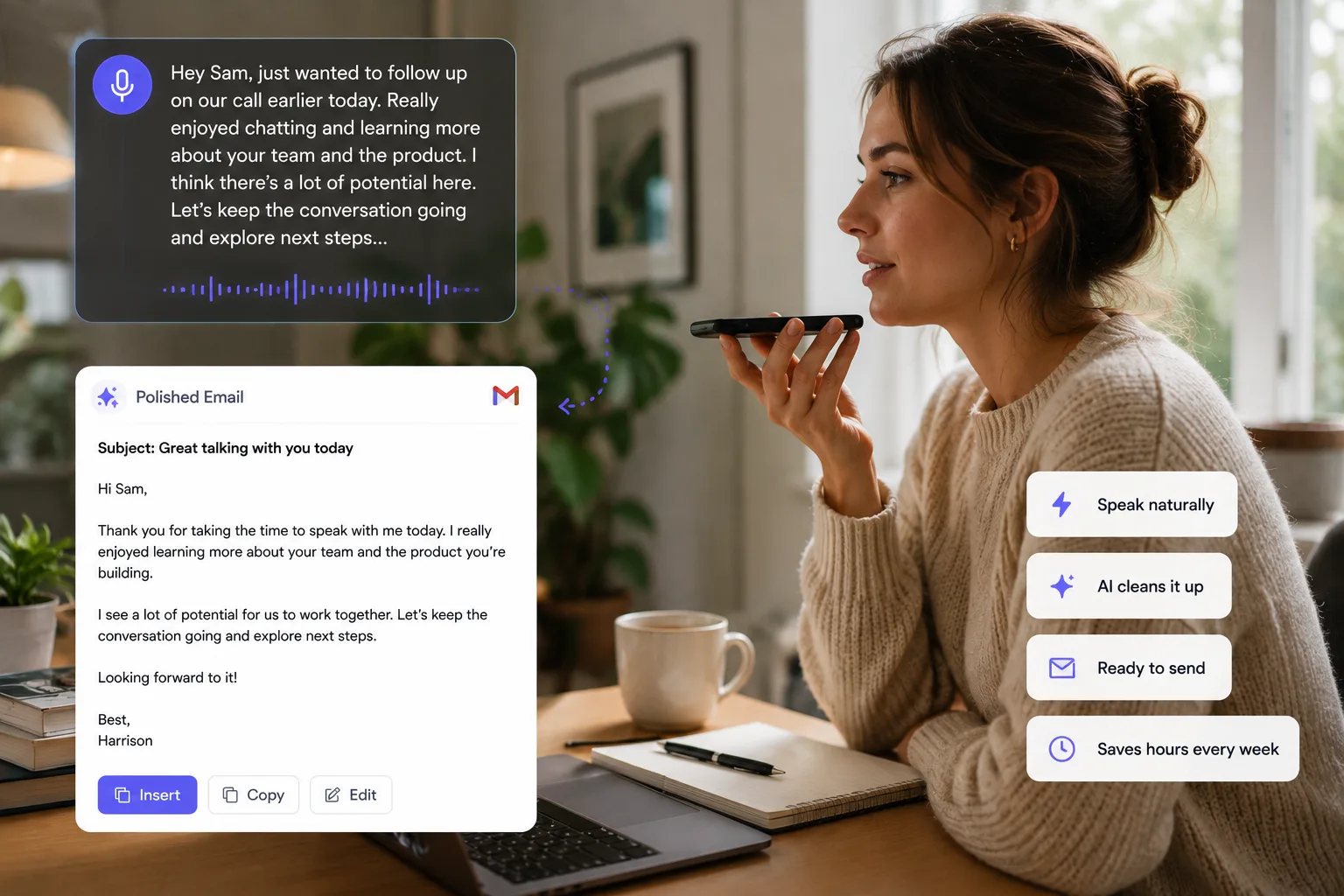
Voice Cursor is useful in that middle layer. You speak the messy instruction while the context is still in your head, then turn it into a prompt that is clear enough for an AI coding tool to act on.
- Say the thing you want changed.
- Say what should not change.
- Say why the current behavior feels wrong.
- Say how you will know the fix worked.
Dictate the messy middle
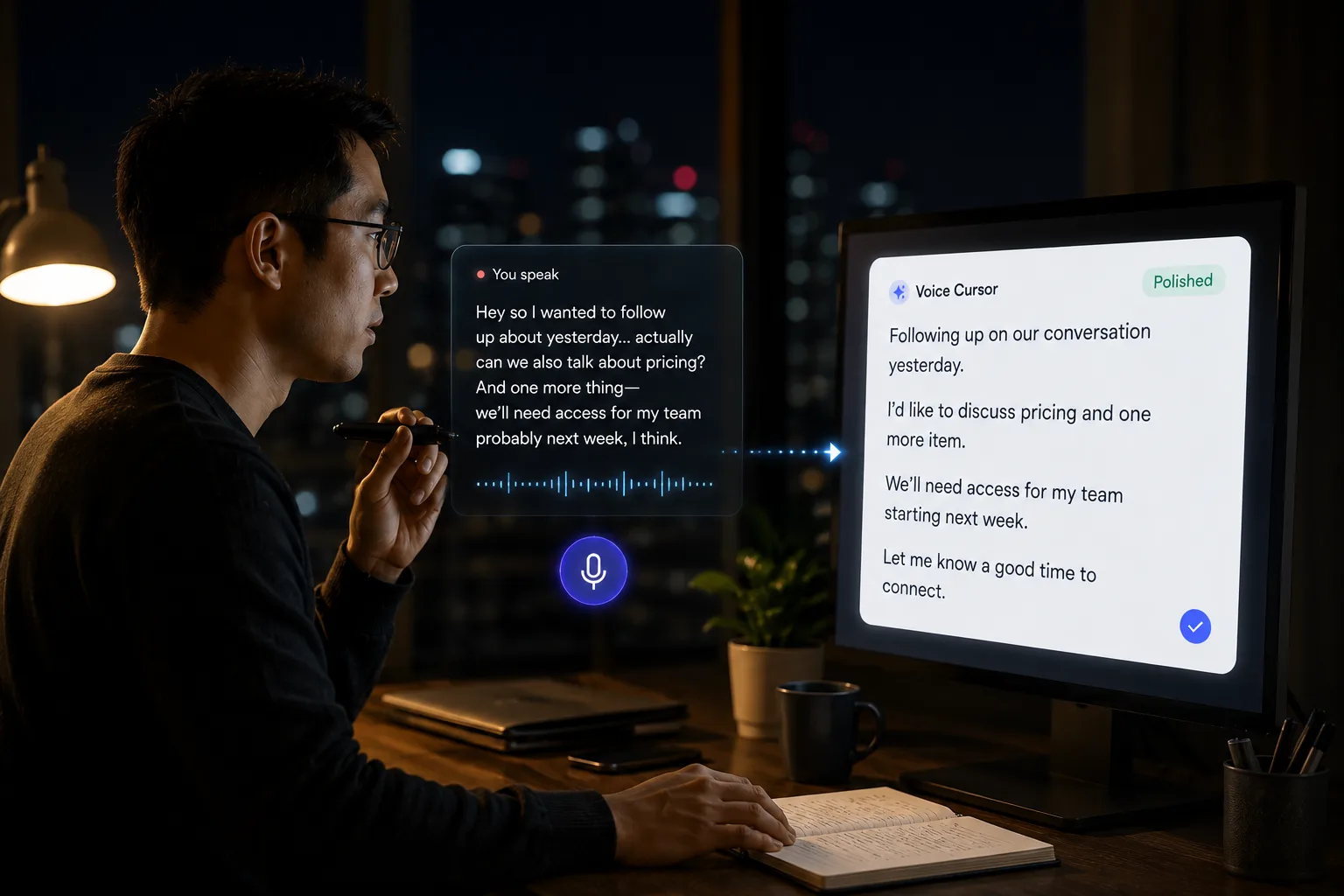
Vibe coding often starts as a mental picture. You are not always writing a precise technical spec. Sometimes you are saying: "The onboarding screen should feel simpler. Ask for the workspace name first, then show the invite step later. Do not show three setup tasks at once because that makes the product feel heavy."
That is easier to say than type because it is not just a task. It is taste, sequencing, and product judgment. Voice Cursor gives you a way to capture that messy middle before it collapses into a vague instruction like "make onboarding better."
- Talk through the product behavior.
- Let Voice Cursor turn it into clean text.
- Send the instruction to your coding tool.
- Review the change with the same judgment you would use for your own code.
Voice is naturally good at this. When you explain something out loud, you tend to include the why. You include examples. You notice missing context. You can talk through the desired behavior before turning it into a formal instruction.
For example: "Update the settings page so the billing section is hidden for free users. Keep the same layout, but replace the billing card with an upgrade prompt. Make the copy short and direct. Do not change the sidebar or account settings."
Use voice where prompts get long
Use voice for the prompts that are too contextual for a quick command: bug reports, refactor instructions, UI changes, product flows, test case descriptions, code review notes, documentation drafts, and issue summaries.
It is not replacing your editor or your AI coding tool. It is giving you a faster way to communicate with both when the instruction needs more than a sentence.
As AI coding gets better, the hard part becomes deciding what should exist and explaining it clearly.
Builders who can express intent well will move faster. Voice Cursor helps you express that intent without making your fingers do all the clerical labor.
The keyboard is still useful for exact edits. But for describing a flow, explaining a bug, or giving a model context, voice is often the better input. Vibe coding works best when you can stay in motion. Voice Cursor helps keep the thought moving.
FAQ
What is voice dictation for vibe coding?
It means using voice dictation to write prompts, bug explanations, product instructions, and implementation notes while building with AI coding tools.
Does Voice Cursor write code?
Voice Cursor helps turn spoken instructions into text. You can use that text inside coding tools.
Why use voice instead of typing?
Because many coding prompts are long, contextual, and easier to explain out loud.
Try Voice Cursor
Turn spoken thoughts into polished writing.
Download Voice Cursor and use AI voice dictation across the apps where your work already happens.
Download the app