
Students Should Think Out Loud Before They Write
Speaking helps students test what they understand before organizing it into notes, outlines, emails, study guides, or first drafts.


Voice Cursor Team
April 16, 2026 3 min read
Students write more than they realize.
Essays, notes, discussion posts, study summaries, internship emails, scholarship applications, project plans, research reflections, AI prompts, professor messages, and group chat updates.
The work is not only learning. The work is constantly turning learning into text that someone else can read: a teacher, a teammate, an internship recruiter, or your future self studying at midnight.
Voice Cursor helps students create first drafts by speaking, while still leaving room for revision and judgment.
- Use voice to explain the idea in your own words.
- Use editing to organize the argument.
- Use citations and class material to support the claim.
- Use your school rules to decide what tools are allowed.
This is useful because many students get stuck at the start. They understand the material, or at least understand part of it, but the blank page makes everything feel formal too soon. Voice gives you permission to begin messily.
You can talk through the idea first.
For example:
"I want to argue that the article is not just about remote work, it is about how companies measure trust. The author uses productivity as the surface issue, but the deeper conflict is whether managers believe employees are working when they cannot see them."
That could become the beginning of an essay outline.
Voice Cursor is useful for essay outlines, study notes, lecture summaries, reading reflections, emails to professors, internship applications, scholarship drafts, AI tutor prompts, and group project updates.
Think out loud, then organize
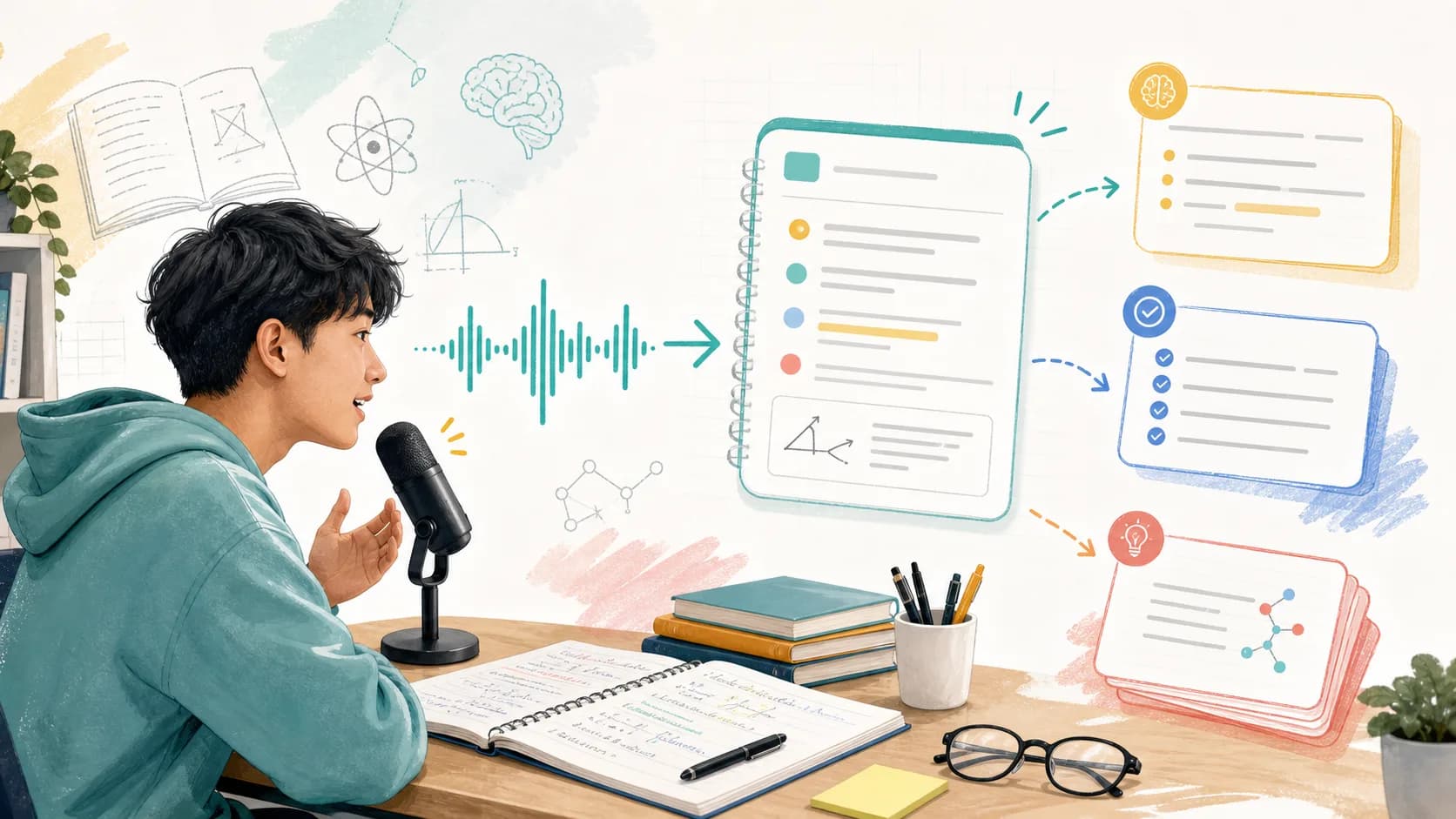
- Read or review the material.
- Speak your understanding out loud.
- Turn the explanation into text.
- Organize the text into notes or an outline.
- Edit before submitting anything.
The editing step matters. Voice dictation is not a replacement for thinking, learning, citing sources, or doing the assignment. It is a way to get the first version out of your head so you can inspect it.
That first version is often the hardest part.
Voice is especially helpful for summarization. After a lecture, you can dictate what you remember before it disappears. After reading an article, you can explain the main argument in your own words. Before an exam, you can talk through concepts and turn them into study notes.
This helps because explaining something out loud exposes what you understand and what you do not.
If you cannot say the idea clearly, that is a useful signal. It means you need to review it.
Voice Cursor can also help with emails. Many students delay writing to professors, advisors, recruiters, or teammates because they do not know how to phrase the message. Speaking the rough version makes it easier to start.
For example:
"Write an email to my professor saying I am confused about the second part of the assignment. Ask if the analysis should focus on the case study only or include the reading from last week."
That becomes a useful draft.
The point is not to make students write less thoughtfully or outsource understanding.
The point is to make writing less frozen.
Students already think, speak, explain, debate, and ask questions. Voice Cursor helps turn more of that natural language into usable text.
FAQ
Can students use Voice Cursor for essays?
Yes. Students can use Voice Cursor to dictate outlines and rough drafts, then revise and edit the writing.
Is voice dictation allowed for schoolwork?
That depends on your school and assignment rules. Voice dictation is generally a writing input method, but students should follow their institution's policies.
What student tasks work best with voice dictation?
Notes, summaries, outlines, emails, study guides, and AI prompts are strong use cases.
Try Voice Cursor
Turn spoken thoughts into polished writing.
Download Voice Cursor and use AI voice dictation across the apps where your work already happens.
Download the app