
Sales Follow-Ups Are Best Written While the Call Is Fresh
Specific follow-ups come from fresh memory: the customer's words, objections, metrics, and next step. Voice helps capture them in time.


Voice Cursor Team
April 20, 2026 2 min read

Sales follow-ups decay fast.
Right after a call, you remember everything. The prospect's concern. The phrase they used. The competitor they mentioned. The metric they care about. The internal process they need to follow. The next step.
Then the next call starts.
By the end of the day, the perfect follow-up becomes a generic one.
Voice Cursor helps salespeople capture and write while the context is still alive.
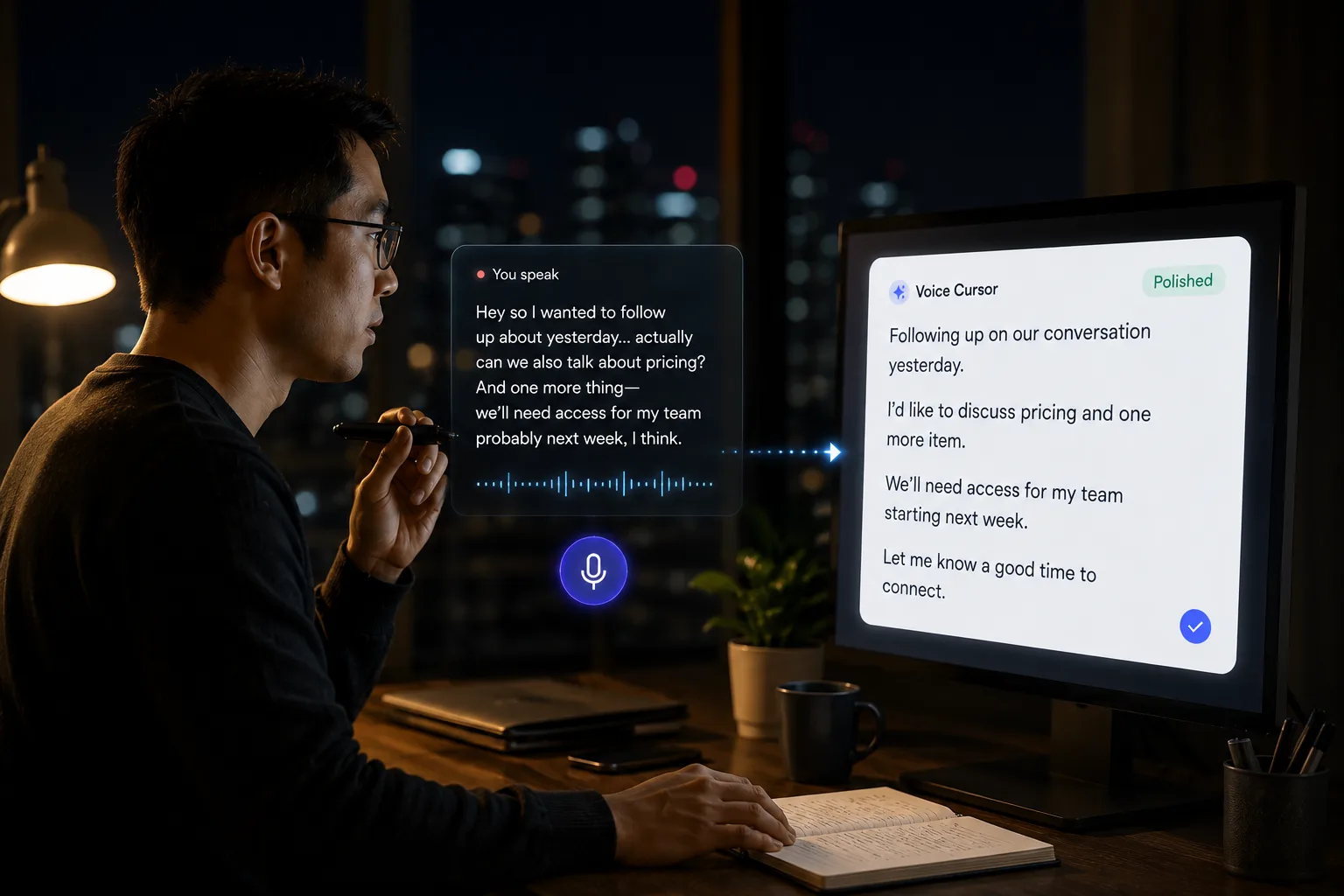
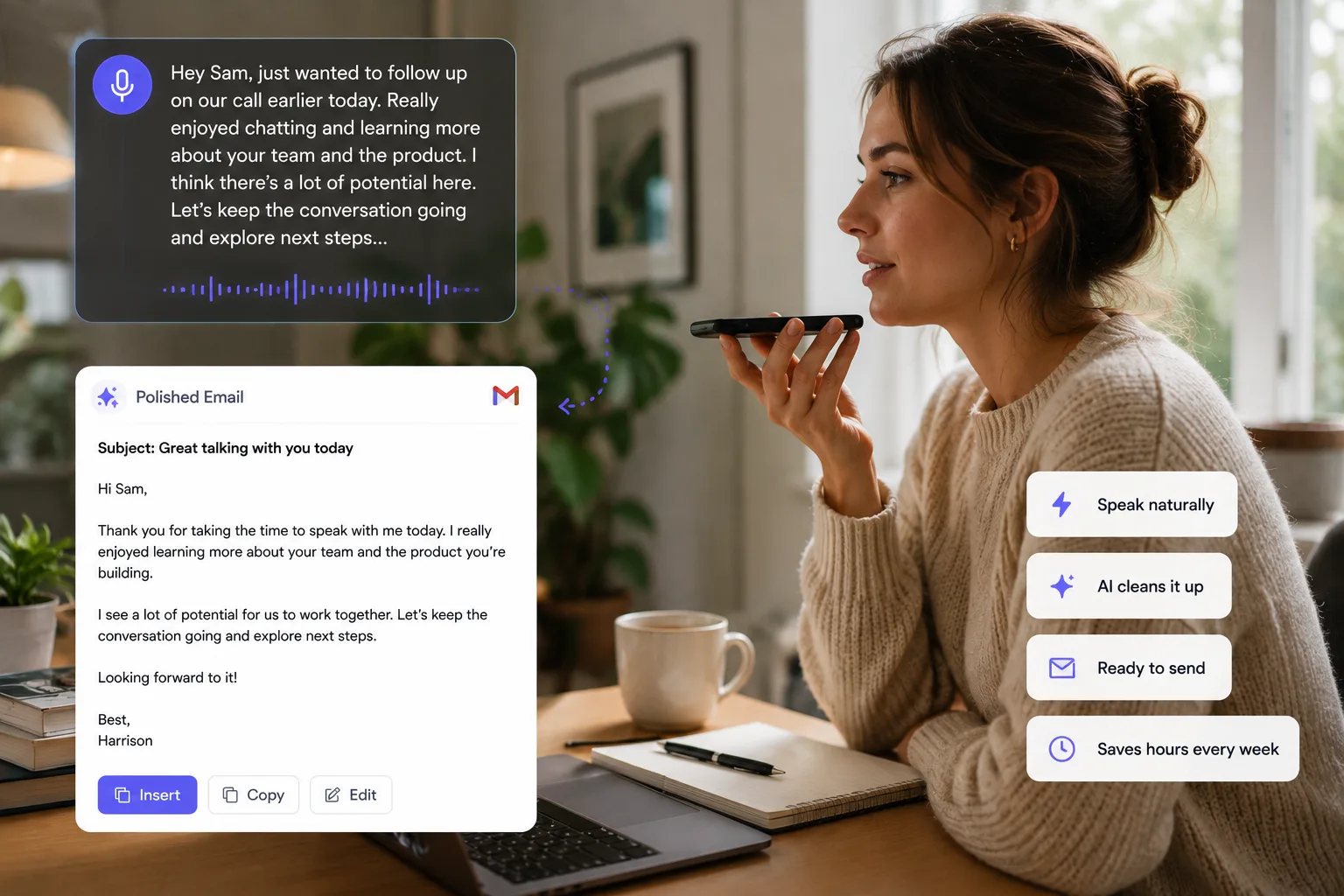
You can use voice dictation to draft post-call emails, CRM notes, outbound messages, customer replies, account updates, and internal handoffs. Instead of typing everything manually, you speak the details and turn them into a polished draft.
This matters because good sales writing is specific. A useful follow-up mirrors the customer's language, names the next step, and proves the call was not just another calendar block.
Weak follow-up: "Thanks for your time today. Let me know if you have any questions."
Stronger follow-up: "Thanks for walking me through how your team handles candidate outreach today. Based on what you shared, the biggest bottleneck seems to be writing personalized follow-ups after screening calls. I am sending over the workflow we discussed, especially the part about reducing manual typing without making messages feel templated."
That second message is better because it proves you listened.
Voice dictation makes that kind of specificity easier.
Post-call workflow
- Finish the call.
- Dictate the key points immediately.
- Include the customer's language.
- Draft the follow-up.
- Edit and send.
For example:
"Write a follow-up to Jordan. Mention that the team is currently using manual notes after every demo. Their main issue is not transcription, it is turning the notes into a clean recap and next step. Include that we can help draft the follow-up faster using voice."
That gives you a strong starting point.
Voice Cursor is also useful for CRM notes. Many salespeople hate writing CRM updates because the work feels administrative. But bad notes hurt the next conversation. They also hurt forecasting and handoffs.
CRM notes without the drag
"Account is interested, but budget approval depends on Q3 planning. Main champion is Taylor. Security review may be required. Follow up next week with pricing and implementation timeline."
That is better than leaving the field blank, and it gives the next conversation a real starting point.
Voice dictation can also help with outbound. Instead of staring at a cold email template, you can talk through why the prospect is relevant and what you want to say. The result feels less like mass automation and more like a real message.
Sales is conversation, memory, timing, and trust.
Typing is just the paperwork around it.
Voice Cursor helps shrink the paperwork.
FAQ
Can salespeople use Voice Cursor?
Yes. Salespeople can use Voice Cursor to dictate follow-ups, outbound messages, CRM notes, and call summaries.
Why is voice dictation useful for sales?
It helps capture details immediately after calls, which can make follow-ups more specific and useful.
Does Voice Cursor replace a CRM?
No. It helps create written notes and messages that can be used in your sales workflow.
Try Voice Cursor
Turn spoken thoughts into polished writing.
Download Voice Cursor and use AI voice dictation across the apps where your work already happens.
Download the app