
Researchers Need to Capture the Noticing
Research insight often starts as a rough observation. Voice helps preserve interview takeaways, reading notes, and synthesis clues while they are fresh.


Voice Cursor Team
March 31, 2026 2 min read

Research is full of ideas that arrive before they are organized.
A quote stands out. A pattern appears across interviews. A paper connects to another paper. A participant says something that changes how you understand the problem. A question emerges while reading.
The danger is that these thoughts vanish before they become notes.
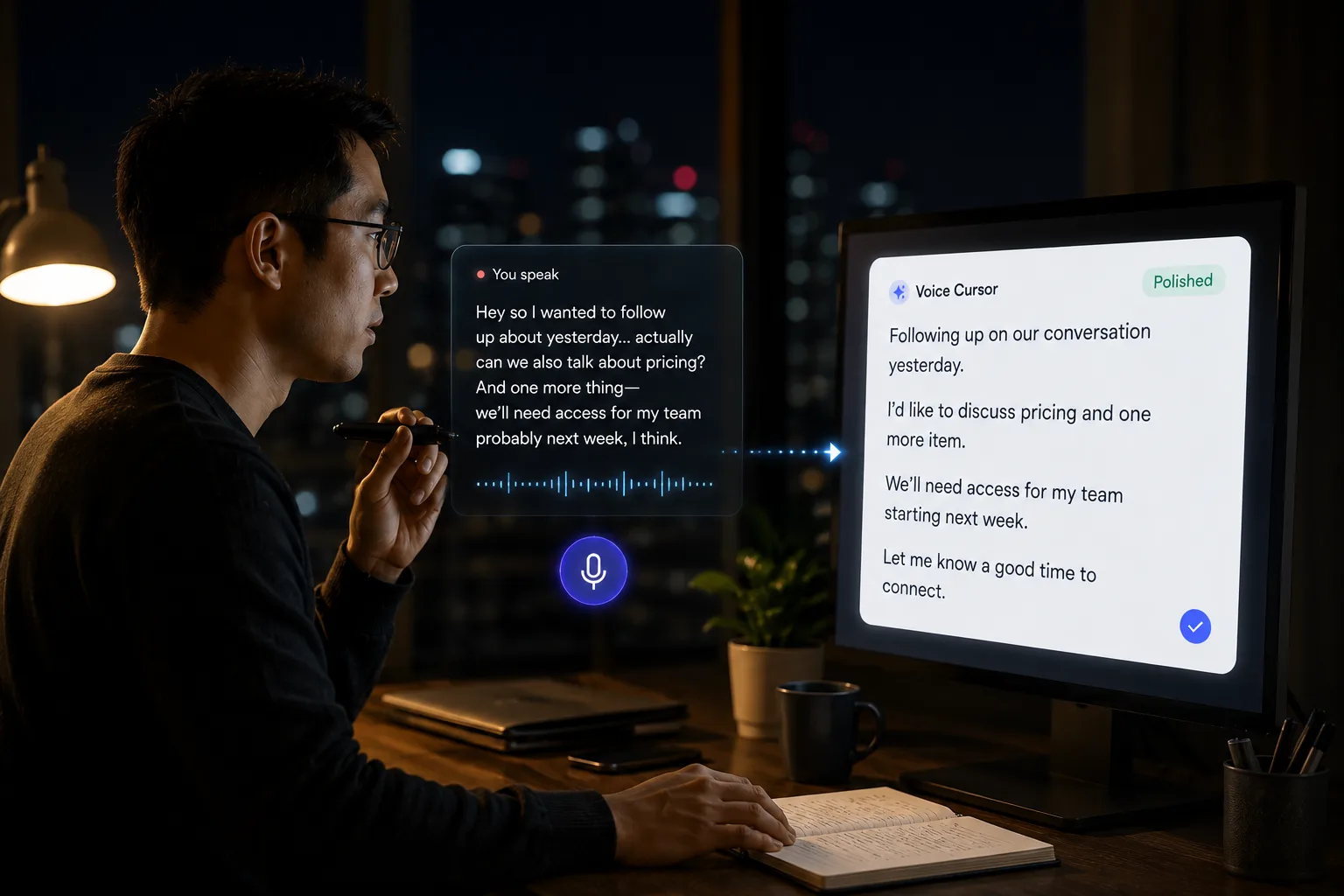
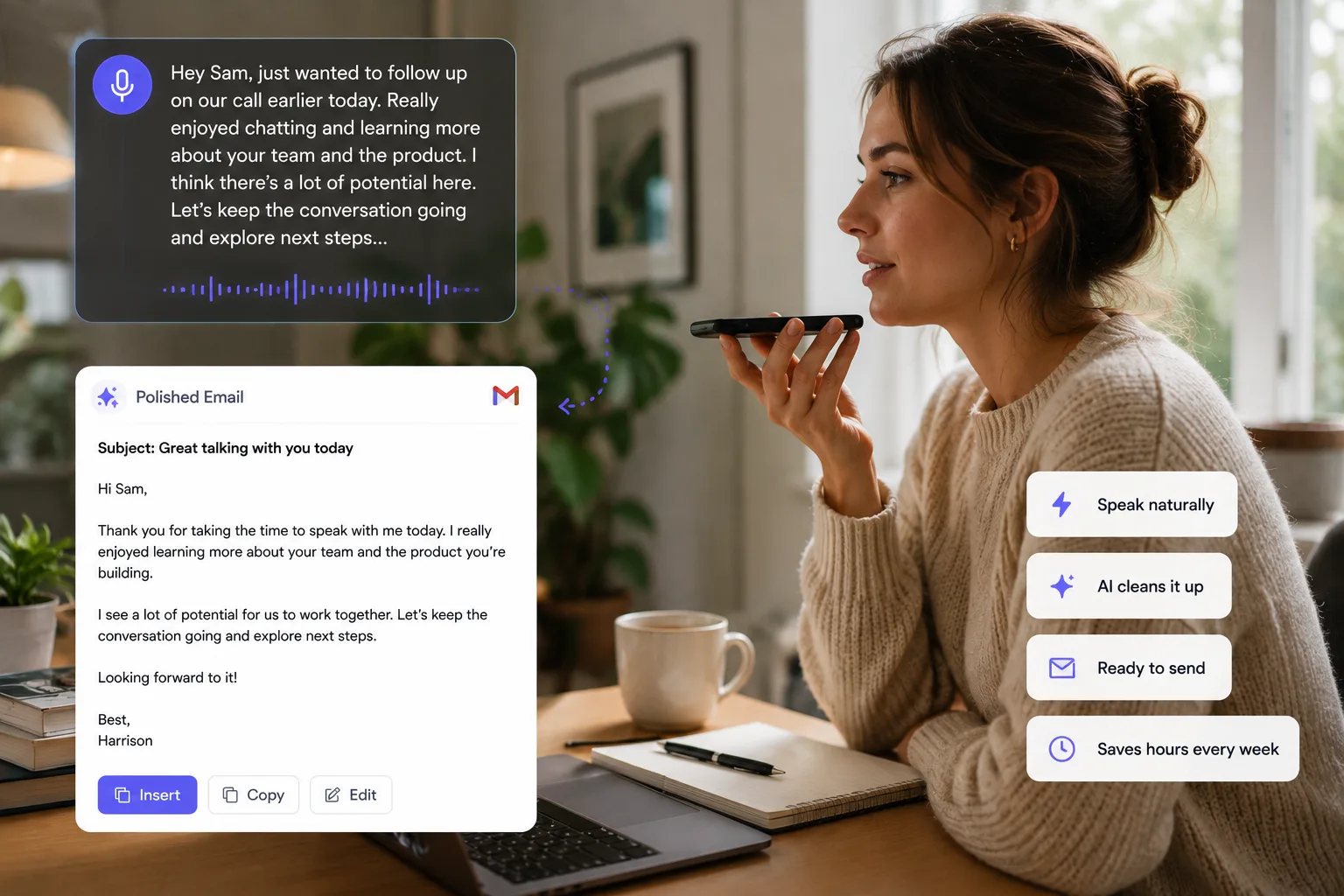
Voice Cursor helps researchers capture spoken reflections and turn them into written text.
This is useful across many kinds of research: user research, market research, academic work, customer discovery, competitive analysis, and personal knowledge management.
Voice dictation works especially well for research because the first version of an insight is often verbal. You may not be ready to write a formal paragraph yet, but you can explain what you noticed.
For example:
"The interesting pattern is that users do not describe the problem as slow typing. They describe it as losing momentum. The pain is not the keyboard itself, it is the interruption between thought and written output."
That is a valuable research note.
Voice Cursor helps turn that spoken observation into text you can organize later.
Use it for interview takeaways, literature notes, reading summaries, user research insights, research questions, synthesis drafts, field notes, and AI prompts for analysis.
Treat dictated notes as raw evidence
- Evidence: what the participant said or what the source claimed.
- Interpretation: what you think it might mean.
- Question: what you need to check next.
- Implication: what could change if the pattern holds.
The distinction between evidence and interpretation is important.
Voice dictation makes capture easier, but researchers still need discipline. A dictated thought should not automatically become a conclusion. It is raw material. Useful raw material, but still raw.
Voice Cursor can also help after interviews. Rather than waiting until the end of the day, you can dictate a quick debrief:
"Participant struggled with the setup step because they did not understand what the permission was for. They were willing to connect the account after seeing the example, but not before. This supports the idea that value should appear before permission requests."
That note contains a behavioral detail, a cause, and a product implication.
Voice dictation can preserve that richness.
Researchers also use AI tools more often now: summarizing transcripts, extracting themes, generating questions, comparing findings. Those AI workflows require prompts. Voice Cursor can help you dictate more detailed prompts that include the research context.
For example:
"Analyze these interview notes for moments where users describe friction between thinking and writing. Group the findings by emotional language, workflow interruption, and tool limitations."
That prompt is easier to speak than type.
Research is not just collecting information. It is noticing what matters.
Voice Cursor helps capture the noticing.
FAQ
How can researchers use Voice Cursor?
Researchers can dictate notes, interview takeaways, reading summaries, research questions, and synthesis drafts.
Is voice dictation a replacement for transcription?
No. Transcription captures recordings. Voice dictation is better for capturing your own thoughts, summaries, and analysis.
Why is voice useful for research?
Because research insights often appear in rough spoken form before they are ready to become structured writing.
Try Voice Cursor
Turn spoken thoughts into polished writing.
Download Voice Cursor and use AI voice dictation across the apps where your work already happens.
Download the app