
Cursor Prompts Work Better When You Explain the Constraint
Cursor is most useful when prompts include context, expected behavior, and constraints. Voice makes those fuller instructions easier to create.


Voice Cursor Team
May 2, 2026 2 min read
Cursor made software development feel more conversational.
You still write code, but you also describe changes, explain bugs, ask for refactors, provide context, and tell the editor what should happen next.
That means language is now part of the development workflow, not a side task.
Voice Cursor helps you write that language faster.
When you are working in Cursor, the most useful prompts are rarely tiny. You often need to explain what file to inspect, what behavior is wrong, what the expected behavior should be, and what constraints the AI should follow.
Typing all of that can slow you down right when you have the clearest mental model of the bug.
Speaking it often keeps more of the debugging context intact.
For example, you might say:
"Look at the signup flow and find where we validate the invite code. The bug is that expired invite codes are showing the same error as invalid codes. I want expired codes to show a different message, but do not change the validation logic for invalid codes."
That is a strong Cursor prompt. It is specific. It includes the bug, the expected outcome, and the constraint.
It is also much easier to speak than type.
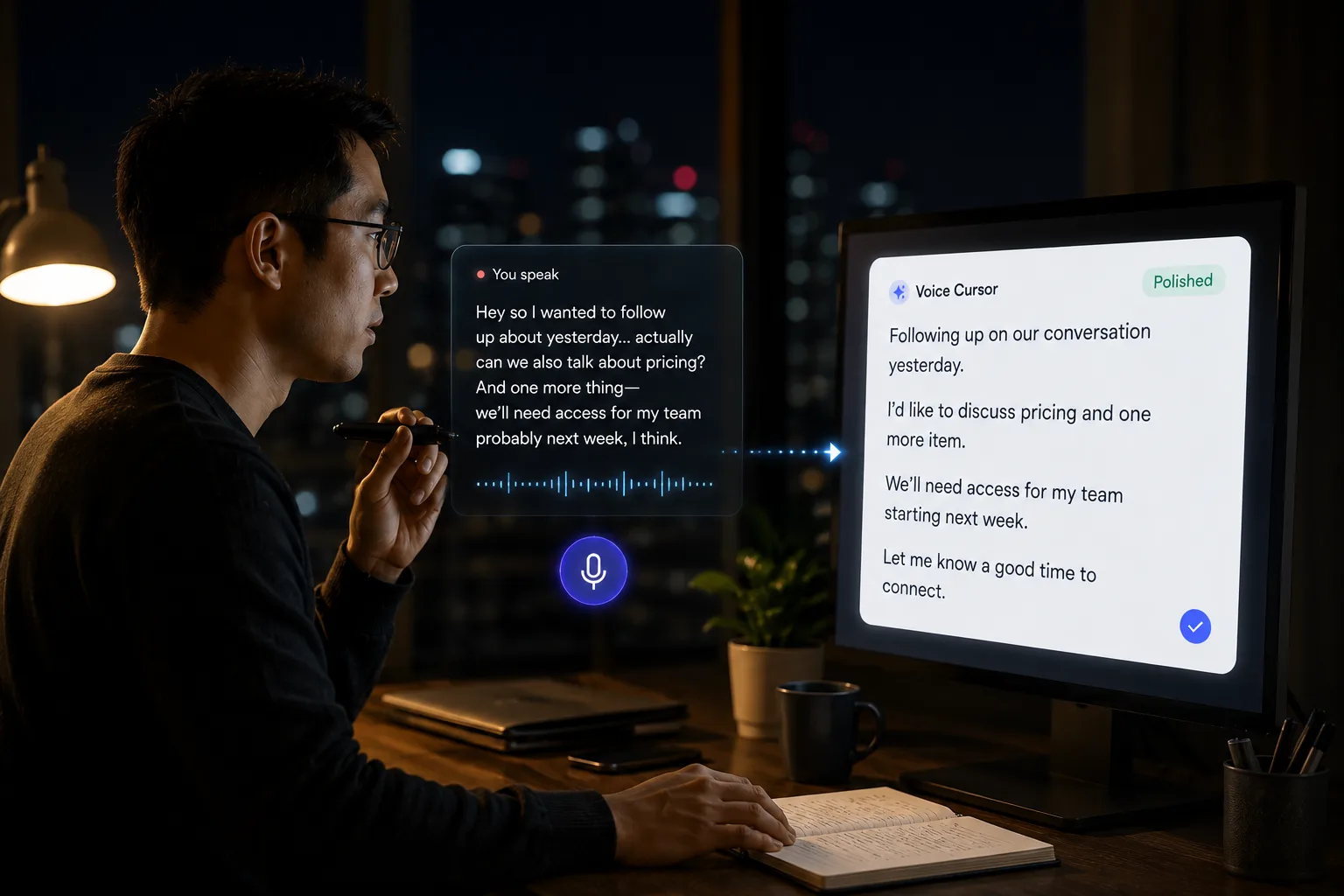
Voice Cursor is useful for Cursor users because it helps with the work around the code: explaining tasks, writing prompts, documenting bugs, drafting issue descriptions, planning refactors, summarizing decisions, and giving AI coding assistants enough context to produce useful output.
Prompts that include the constraint
- Notice the issue or feature idea.
- Speak the full instruction with Voice Cursor.
- Review the generated text.
- Paste it into Cursor.
- Iterate from there.
The main benefit is not only speed. It is completeness.
When developers type prompts, they often shorten them too much. They leave out the reason, the desired behavior, or the constraint. Then the AI guesses, and the next ten minutes become cleanup.
Voice encourages fuller instructions.
Small constraints that matter
- Keep the existing component structure.
- Do not change the API response shape.
- Make the copy more concise.
- Add a test for the empty state.
- Explain the tradeoff before editing.
These details make AI coding tools more useful.
Voice Cursor does not replace Cursor. It complements it. Cursor is where the code changes. Voice Cursor is where your spoken intent becomes clean text.
As coding becomes more AI-assisted, the ability to describe software clearly becomes more valuable. The best builders will not just know what to build. They will know how to explain what should be built.
Voice Cursor helps turn that explanation into text without slowing down the work.
FAQ
Can I use Voice Cursor with Cursor?
Yes. You can dictate prompts and instructions with Voice Cursor, then use the text in Cursor.
What kinds of Cursor prompts work well with voice dictation?
Bug explanations, refactor instructions, UI changes, feature descriptions, and test case notes work especially well.
Does Voice Cursor replace a coding assistant?
No. Voice Cursor helps you write better instructions for the tools you already use.
Try Voice Cursor
Turn spoken thoughts into polished writing.
Download Voice Cursor and use AI voice dictation across the apps where your work already happens.
Download the app