Hands-Free Writing Is About Control, Not Convenience
Hands-free writing should reduce typing without taking away review, editing, or ownership of the final text.


Voice Cursor Team
March 19, 2026 2 min read
The keyboard is not always the right place to begin.
Sometimes your hands are busy. Sometimes you are walking. Sometimes you are tired. Sometimes you are thinking faster than you can type. Sometimes the idea feels obvious until you sit down, put your fingers on the keys, and watch it stiffen.
Hands-free writing gives you another way in.
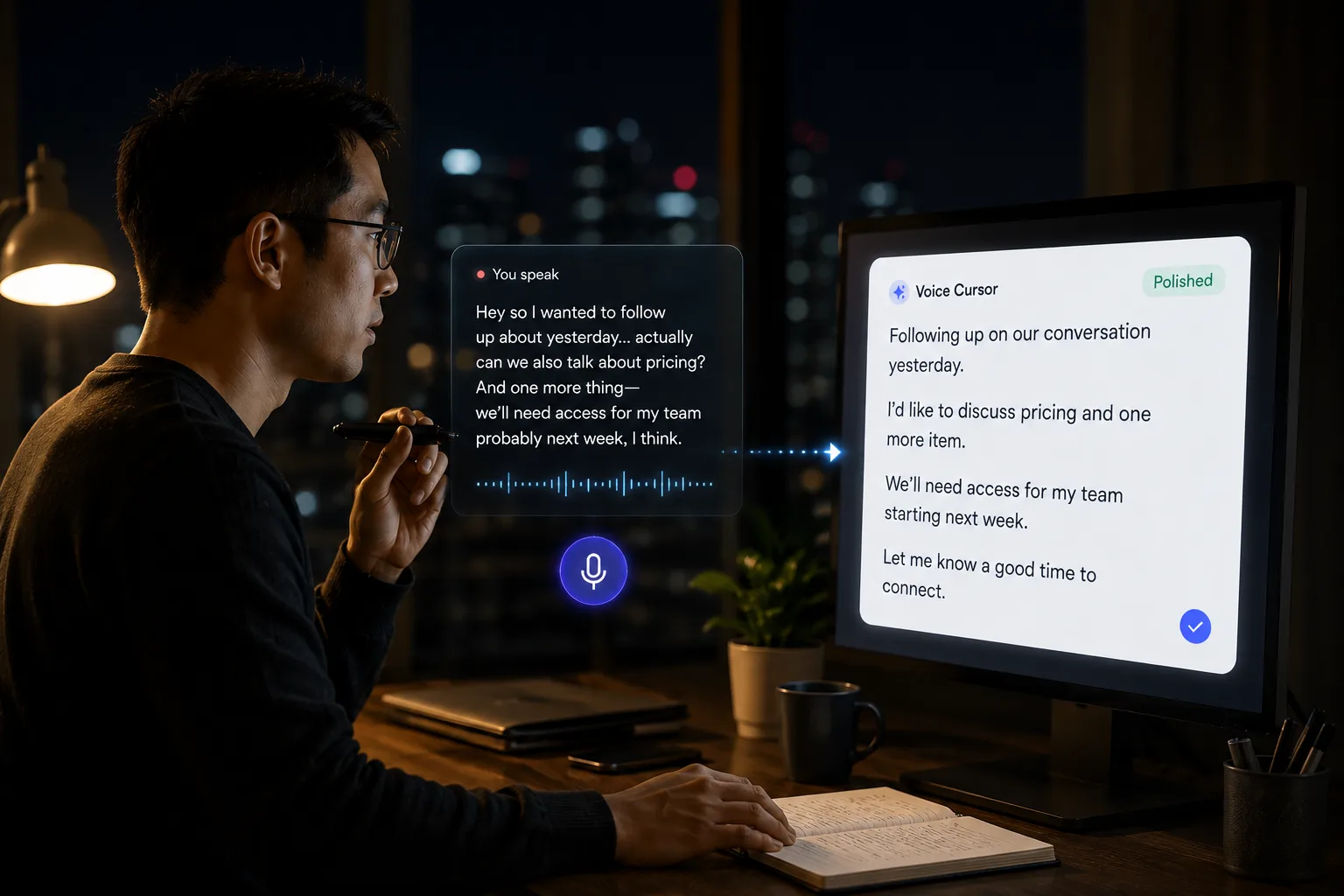
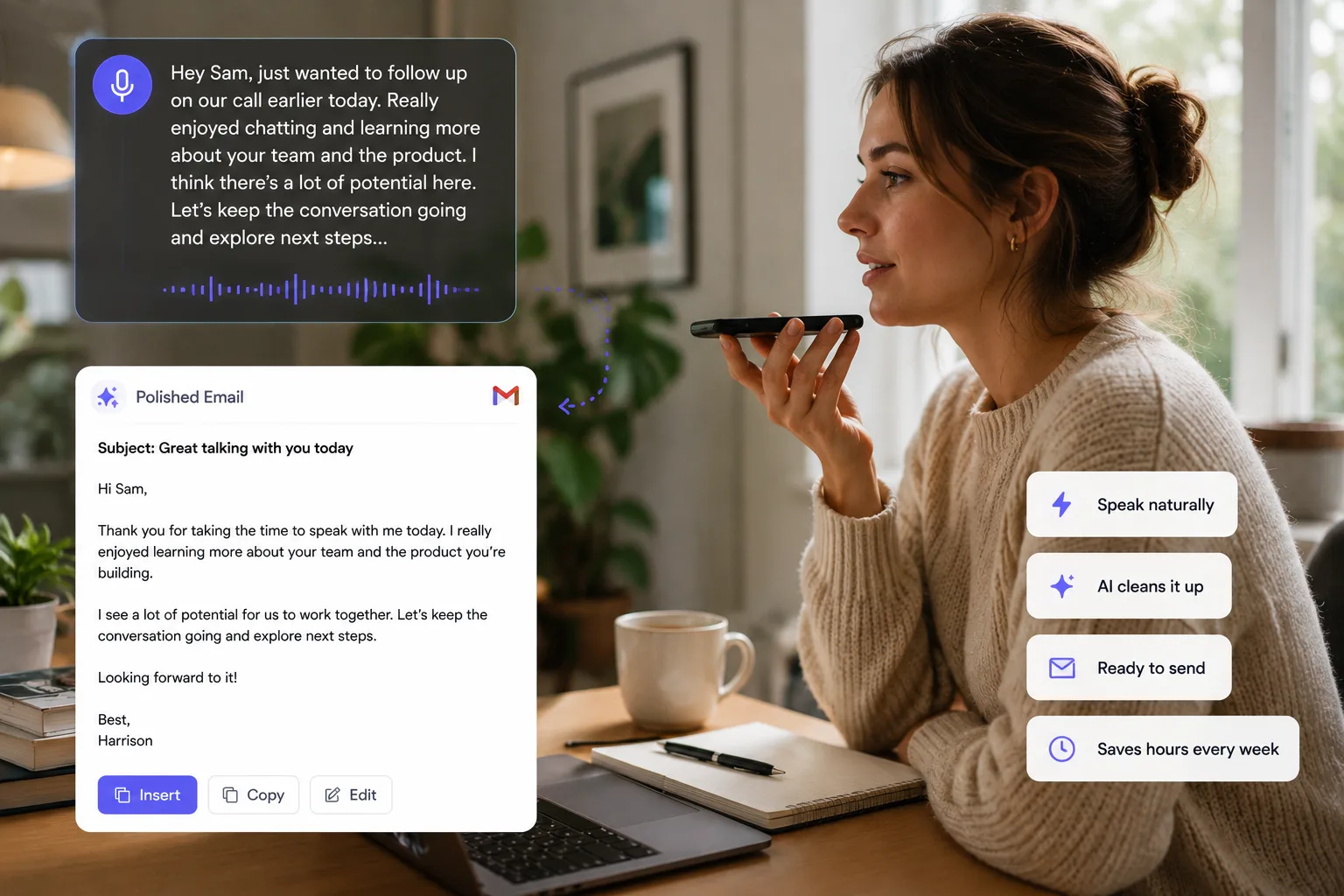
Voice Cursor helps you write by speaking. You say the rough version of your thought, and the app turns it into polished text you can use in everyday workflows: emails, notes, AI prompts, work messages, coding instructions, summaries, and drafts.
This is useful because writing does not always start as writing.
It often starts as speech inside your head.
You already explain ideas in conversation. You already talk through decisions. You already rehearse messages before sending them. Voice Cursor gives that natural process a place to land.
Hands-free writing is not only for accessibility, though accessibility is an important use case. It is also for speed, comfort, and momentum.
Use Voice Cursor when you want to draft without typing, capture an idea while moving, reduce keyboard fatigue, create a first draft faster, dictate a long prompt, write an email, summarize a meeting, or turn a messy thought into structured text.
Principles for hands-free writing
- Draft with voice when momentum matters.
- Edit with the keyboard when precision matters.
- Keep review in the loop.
- Use the input method that matches your body and context.
The key is to separate drafting from polishing.
Typing often makes people do both at once. They generate a sentence, judge it, edit it, delete it, rewrite it, and lose the larger thought. Voice lets you capture more before switching into editing mode.
For example, you might dictate:
"I want to explain that the problem is not speed alone. The problem is that typing interrupts the thought. Voice lets the thought stay intact longer before it becomes text."
That is a useful first draft.
Hands-free writing also changes where writing can happen. You are no longer limited to the desk posture: shoulders forward, eyes locked, fingers tapping. You can capture ideas while pacing, after a call, between meetings, or whenever typing feels like unnecessary friction.
This matters more as work becomes more language-driven.
AI tools, messaging systems, documentation, email, and collaboration all depend on written input. The person who can produce clear text faster has an advantage.
Voice Cursor is not asking you to abandon the keyboard.
It is giving you a second doorway into writing.
Sometimes you type because precision matters.
Sometimes you speak because momentum matters.
The future of writing will use both.
FAQ
What is hands-free writing?
Hands-free writing means creating text by speaking instead of typing manually.
What can I use Voice Cursor for hands-free?
You can use it for emails, notes, prompts, messages, summaries, and first drafts.
Does hands-free writing replace typing?
No. Voice is strong for drafting. Typing is still useful for editing and precise changes.
Try Voice Cursor
Turn spoken thoughts into polished writing.
Download Voice Cursor and use AI voice dictation across the apps where your work already happens.
Download the app